
Enlarge a Hexagon
Loading the math board and drawing, please wait…
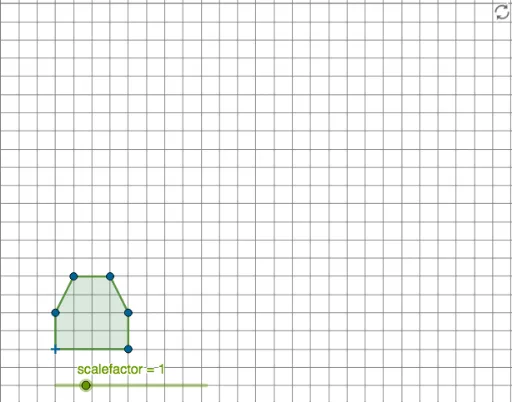
This example demonstrates how to enlarge a hexagon using the dilation transformation. Key mathematical concepts include similar transformations in geometry. The commands used include Polygon and Dilate to construct the original and enlarged hexagon. Suitable for students in middle school and above to learn about similar figures and geometric transformations.
GeoGebra Commands & Parameters
Polygon(A, B, C, D, E, F) → poly1, a, b, c, d, e, fDilate(A, scalefactor) → A'Dilate(B, scalefactor) → B'Dilate(C, scalefactor) → C'Dilate(D, scalefactor) → D'Dilate(E, scalefactor) → E'Dilate(F, scalefactor) → F'Polygon(A', B', C', D', E', F') → poly1', a'_1, b'_1, c'_1, d'_1, e'_1, f'_1
AI Drawing Prompt Reference
Draw a regular hexagon. Then enlarge it by applying a uniform scale factor about a fixed center point, producing a larger similar hexagon. The six vertices of the original hexagon are each moved outward along lines from the center to form the corresponding vertices of the enlarged hexagon. Connect these new vertices to complete the larger hexagon. Both hexagons should be visible, with corresponding sides parallel, clearly showing the dilation transformation.
The prompt above was compiled from the original drawing commands and is for reference only.