
Identify Linear Function
Loading the math board and drawing, please wait…
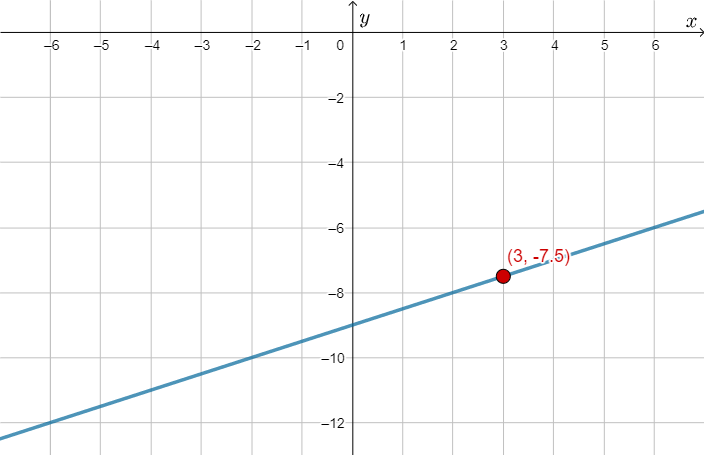
This example demonstrates how to dynamically interact and identify linear function graphs and their parameters. It involves core math concepts like linear functions, coordinate geometry, random number generation, and probability & statistics. Constructed using GeoGebra commands like RandomElement, Random, and Textfield to generate random data and display function graphs. Suitable for high school mathematics teaching to understand linear function properties and the application of stochastic processes in mathematics.
GeoGebra Commands & Parameters
RandomElement(aAlist) → aARandom(-10, 10) → bBTextfield(stf) → InputBox1
AI Drawing Prompt Reference
Draw a graph of a linear function. Randomly generate two points and connect them to form a line. Add a text box to display the coordinates of the random points. Ensure the graph is clear and shows the properties of a linear function.
The prompt above was compiled from the original drawing commands and is for reference only.