
Dynamic Bearing Illustrator
Loading the math board and drawing, please wait…
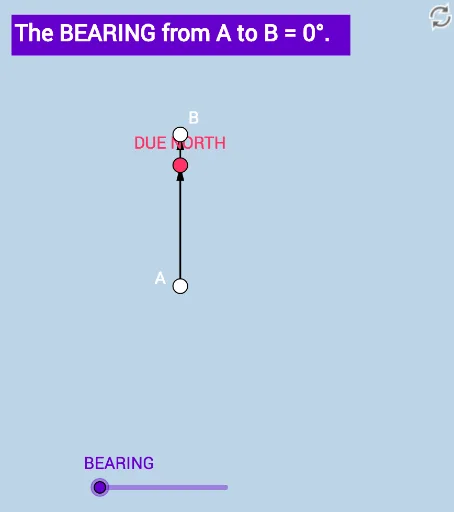
This example illustrates the concept of bearing, involving trigonometry and vectors. It demonstrates the dynamic changes in bearing through rotation and angle construction. Commands used include Ray, Point, Vector, Rotate, and Angle. Suitable for high school mathematics education and learning.
GeoGebra Commands & Parameters
Ray(A, B_1) → fPoint(f) → PVector(A, P) → uRotate(P, ((-a) * π / 180), A) → B_2Vector(A, B_2) → vAngle(B_2, A, P) → BEARINGRay(A, B_2) → gPoint(g) → BVector(A, B) → w
AI Drawing Prompt Reference
Start by drawing a ray f from point A. Place a point P on f and draw a vector u from A to P. Rotate point P around A by a certain angle counterclockwise to get point B2, and draw a vector v from A to B2. Measure the angle B2AP to get the bearing. Then draw a ray g from A through B2, place a point B on g, and draw a vector w from A to B.
The prompt above was compiled from the original drawing commands and is for reference only.