
Drawing a Rose Curve
Loading the math board and drawing, please wait…
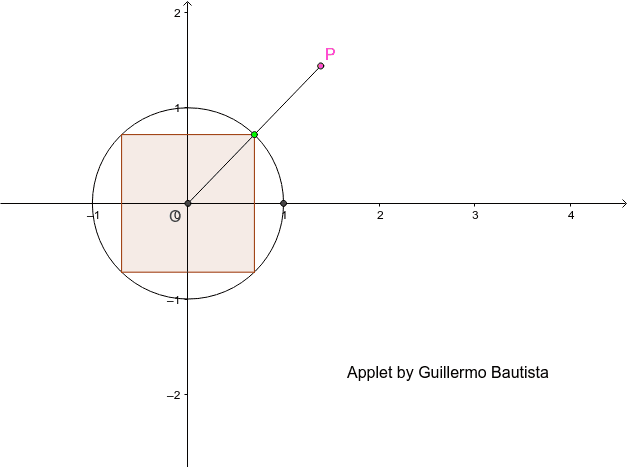
This applet demonstrates the drawing of a rose curve by relating the area of a rectangle inscribed in a circle. Key mathematical concepts include circles, rectangles, and trigonometric functions. It uses commands such as Intersect, Rotate, Line, OrthogonalLine, Mirror, Polygon, Ray, Circle, and Segment. Suitable for high school mathematics education and learning.
GeoGebra Commands & Parameters
Intersect(c, xAxis, 2) → AIntersect(xAxis, yAxis) → ORotate(A, α, O) → A'Line(A', yAxis) → fOrthogonalLine(A', f) → gMirror(A', xAxis) → A''Mirror(A', yAxis) → A''_1Mirror(A''_1, xAxis) → BPolygon(B, A''_1, A', A'') → poly1, b, a''_1, a', a''Ray(O, A') → hCircle(O, poly1) → dIntersect(d, h, 1) → PSegment(O, P) → i