
Draw a Cube
Loading the math board and drawing, please wait…
In collections
Vector Mechanics & Statics
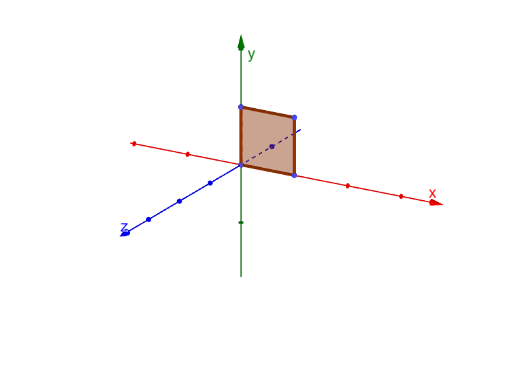
This example demonstrates how to draw a cube to get familiar with 3D drawings. The key math concepts involved are geometry and solid geometry. The construction uses GeoGebra's ConstructionStep and Polygon commands. It is suitable for middle school or high school math classes, particularly for students learning solid geometry and 3D drawing.
GeoGebra Commands & Parameters
ConstructionStep() → nPolygon(D, A, B, C) → q1, d, a, b, cPolygon(D, E, F, A) → q2, d_1, e, f, a_1Polygon(E, D, C, G) → q3, e_1, d_2, c_1, gPolygon(F, A, B, H) → q4, f_1, a_2, b_1, hPolygon(B, C, G, H) → q5, b_2, c_2, g_1, h_1Polygon(E, F, H, G) → q6, e_2, f_2, h_2, g_2
AI Drawing Prompt Reference
Draw a cube by constructing its six square faces, connecting the edges to form a three-dimensional structure. Start with a square base, then create a square top, and finally connect the corresponding edges of the base and top to form the side faces, ensuring the cube appears solid and complete.
The prompt above was compiled from the original drawing commands and is for reference only.