
Dot Counter
Loading the math board and drawing, please wait…
In collections
Concrete-Pictorial-Abstract and the Teaching for Mastery
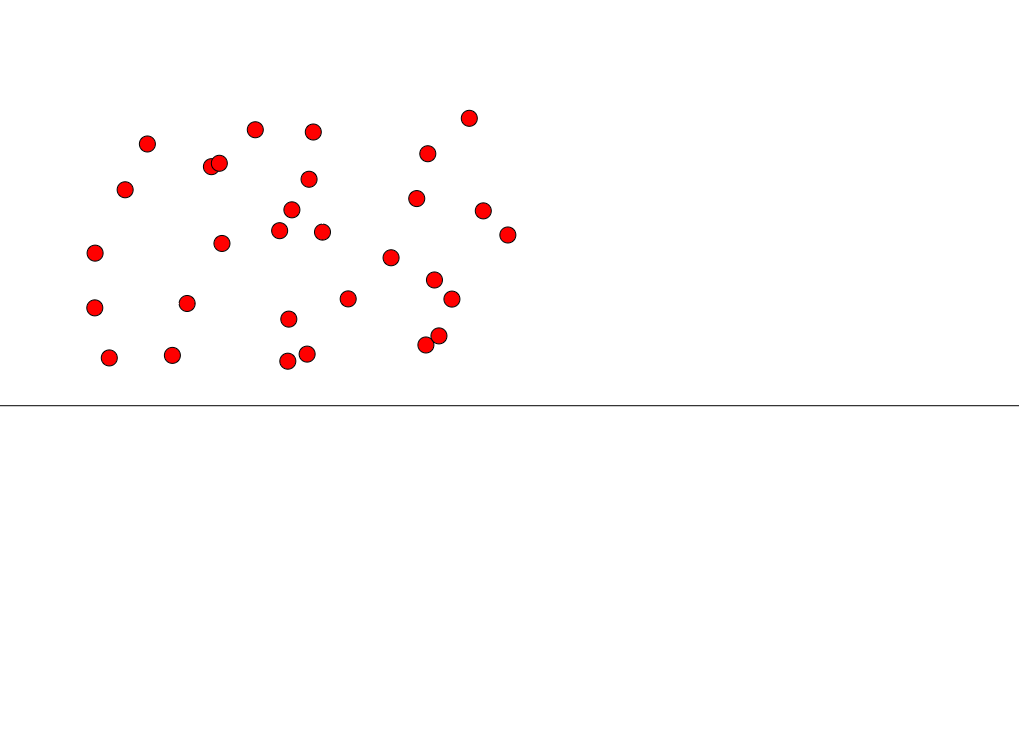
This example demonstrates exploring the relationship between area and perimeter of geometric shapes through dynamic point counting inside them. Core math concepts include sequence, polygons, coordinate geometry, and functions. Construction highlights involve commands/objects like Sequence, n, A1-A28, count, f, and slider animations in GeoGebra. Suitable for high school mathematics teaching to understand quantitative properties and calculation methods of geometric figures.
GeoGebra Commands & Parameters
Sequence((Div[q, i], Mod[q, i] - i), q, 0, count - 1) → list2Sequence("SetVisibleInView[A" + (i) + ", 1, true]", i, 1, 100) → list3Sequence("SetCoords[A" + (i + 1) + ", (random()+Mod[" + (i) + ",c])*scale,(random()+Div[" + (i) + ",c])*scale]", i, 0, 99) → list1
AI Drawing Prompt Reference
Draw a series of polygons with random points inside. Adjust the counter to observe the relationship between the area and perimeter, and understand the point counting method.
The prompt above was compiled from the original drawing commands and is for reference only.