
Distance Between Two Points in the Coordinate Plane (II)
Loading the math board and drawing, please wait…
In collections
A1.ACE.1 - Create and solve equations and inequalities
Expressing Geometric Properties with Equations (GPE) Cluster
Algebra 1
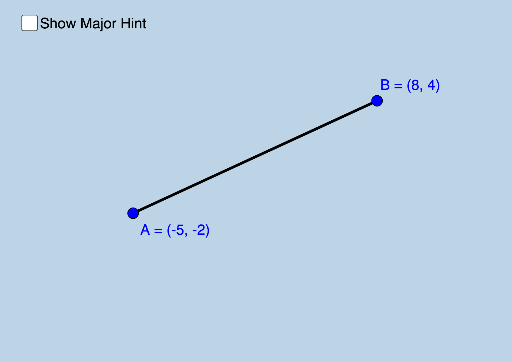
This applet helps students naturally discover how to use the Pythagorean Theorem to calculate the distance between two points in the coordinate plane. It involves the core mathematical concept of the distance formula in coordinate geometry. By examining the commands used, such as Distance, SurdText, Segment, etc., one can understand the construction of this example. Suitable for students from middle school and above.
GeoGebra Commands & Parameters
Distance(A, B) → aSurdText(a) → text1Segment(B, A) → bOrthogonalLine(B, c) → dIntersect(e, d) → CSegment(B, C) → fSegment(C, A) → gAngle(A, C, B) → αPolygon(B, C, A) → poly1, a_1, b_1, c_1Midpoint(b) → EDistance(B, C) → distanceBCDistance(A, C) → distanceAC
AI Drawing Prompt Reference
Draw two points in a coordinate plane and connect them to form a line segment. Then draw a perpendicular line from one endpoint of the segment to the other endpoint. The perpendicular line intersects the line segment at a point. Connect this intersection point to both endpoints of the original line segment to form two triangles. Label the lengths of the segments and the areas of the triangles. Finally, mark the midpoint of the line segment and label the distances between the endpoints and the intersection point.
The prompt above was compiled from the original drawing commands and is for reference only.