
Direction Angle Illustrator: Dynamic Vector & Trigonometry Exploration
Loading the math board and drawing, please wait…
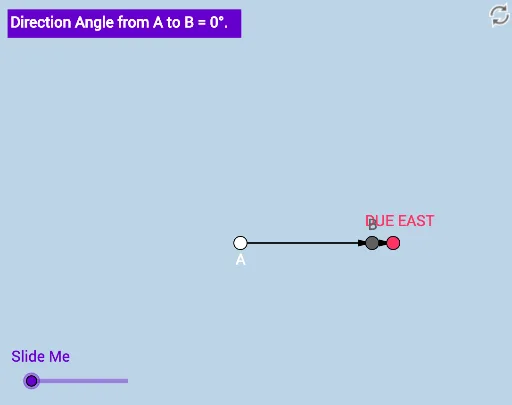
① This interactive GeoGebra example dynamically illustrates the concept of direction angle—the angle between a vector and the positive x-axis—with a key question to prompt deeper understanding. ② Core mathematical concepts include angles, trigonometric functions (sine), vectors, right triangles, symmetry, and indefinite integrals, bridging geometry and algebra. ③ Construction details: using GeoGebra commands such as Ray, Rotate, Point, Vector, and Angle, the objects A, B_1, f, a, A', B', f', C, B, u, v, α, and text1 are created to visualize the direction angle through rotation and vector operations. ④ Suitable for high school to early college students, this resource serves as a classroom demonstration or self-study tool for geometry, trigonometry, and vector lessons, and can inspire teachers to build similar interactive materials.
GeoGebra Commands & Parameters
Ray(A, B_1) → fRotate(A, (a * π / 180), A) → A'Rotate(B_1, (a * π / 180), A) → B'Ray(A', B') → f'Point(f) → CPoint(f') → BVector(A, C) → uVector(A, B) → vAngle(C, A, B) → α
AI Drawing Prompt Reference
Draw a dynamic illustration showing the angle between a vector and the positive x-axis, involving rotating the vector and drawing its rotated path to form two rays, marking their intersection point, drawing vectors from the origin to the intersection point, and displaying the angle between the vectors to visualize the concept of the direction angle.
The prompt above was compiled from the original drawing commands and is for reference only.