
Bearing Illustrator (2)
Loading the math board and drawing, please wait…
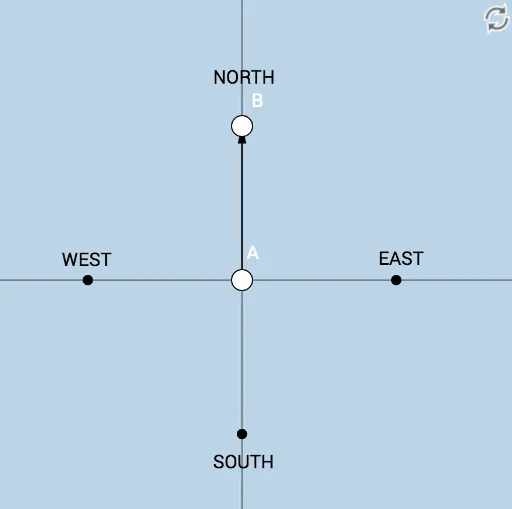
① This interactive GeoGebra example dynamically illustrates the concept of bearings, showing the clockwise angle from a reference direction (typically north) to a target direction. ② Core mathematical concepts include angle measurement, bearing definition, vector direction, and geometric construction involving rotation and intersection. ③ Construction details: The example uses GeoGebra commands such as Circle, Intersect, Point, Angle, and Vector, with objects including circle r, point A, line f, circle c, line g, points B_1, C, D, N, F, B, angles α, β, γ, δ, text labels text1–text5, and vector u. The dynamic nature allows users to drag points or adjust sliders to change the bearing and observe real-time updates. ④ Suitable for middle school (upper grades) or high school mathematics, particularly for teaching geometry, trigonometry, and practical applications like navigation and surveying, helping students grasp the visual and computational aspects of bearings.
GeoGebra Commands & Parameters
Circle(A, r) → cIntersect(c, g, 2) → B_1Intersect(c, g) → C, DIntersect(c, f, 1) → NIntersect(c, f, 2) → FPoint(c) → BAngle(F, A, B) → αAngle(B, A, N) → βAngle(N, A, B) → γAngle(B, A, F) → δVector(A, B) → u