
Dilation Introduction by Jennifer Silverman
Loading the math board and drawing, please wait…
In collections
Dilations
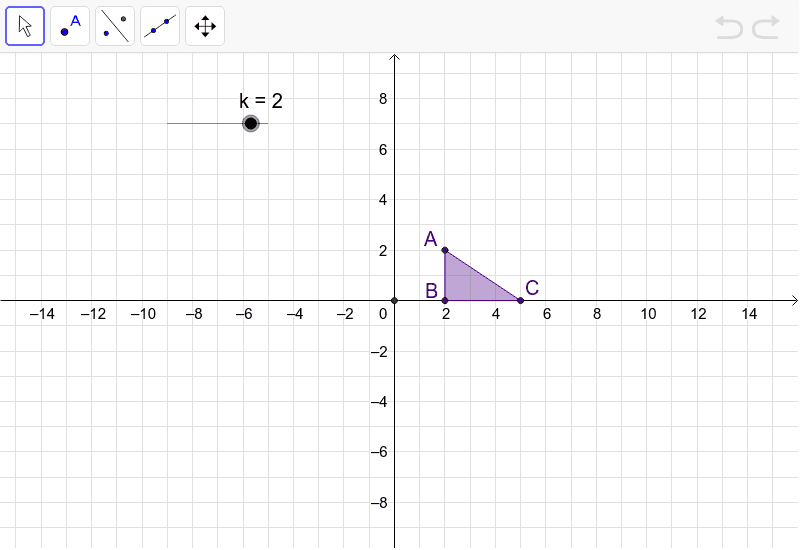
This example demonstrates the effects of dilating a triangle by manipulating a slider. The Center of Dilation is set at the Origin. Key math concepts include geometric transformation, similarity, and proportionality. Construction highlights: Uses commands like Point, Polygon, Intersect, Ray; objects include points A, B, C forming polygon poly1, center c, scale factor k, and related auxiliary points and segments. Suitable for middle school and above students learning about geometric transformations and similarity.
GeoGebra Commands & Parameters
Point(Circle[A, 2]) → BPolygon(A, B, C) → poly1, c, a, bIntersect(xAxis, yAxis) → DRay(D, A) → d
AI Drawing Prompt Reference
Draw a triangle with a slider to demonstrate its dilation about the origin, showing the transformed triangle is similar to the original, and label the origin, center point, key points after dilation, and auxiliary segments to illustrate similarity and proportionality.
The prompt above was compiled from the original drawing commands and is for reference only.