
DG Study Task 7: Parallelogram and Angles
Loading the math board and drawing, please wait…
In collections
Dynamic Geometry Study Tasks
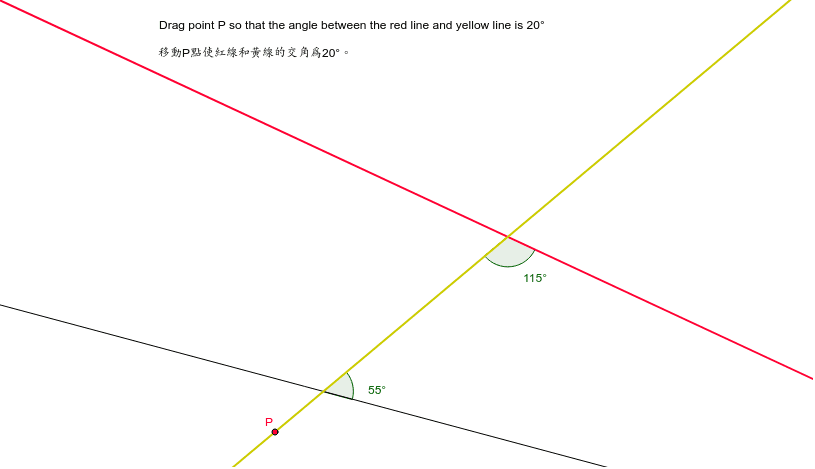
This example demonstrates the angle relationships in a parallelogram. Key mathematical concepts include the properties of parallelograms, angle calculations, and rotation transformations. Using commands like rotation, intersection, and angle measurement, it shows how to construct and analyze geometric relationships within a parallelogram. Suitable for middle school and above students or teachers.
GeoGebra Commands & Parameters
Line(A, B) → aRotate(a, 350*°, A) → dLine(C, d) → bLine(D, P) → cIntersect(b, c) → FIntersect(a, c) → GAngle(H, G, F) → αPoint(b) → EAngle(G, F, I) → β
AI Drawing Prompt Reference
Draw a parallelogram ABCD with points A, B, C, and D as vertices. First, draw side AB, then rotate AB around point A by 350 degrees to get side AD. Next, draw side BC and let it intersect AD at point D. Then, draw side CD and let it intersect AB at point B. Measure angles HGF and GFI, and label them as α and β respectively.
The prompt above was compiled from the original drawing commands and is for reference only.