
Derivative Identification Quiz
Loading the math board and drawing, please wait…
In collections
Fun with Functions
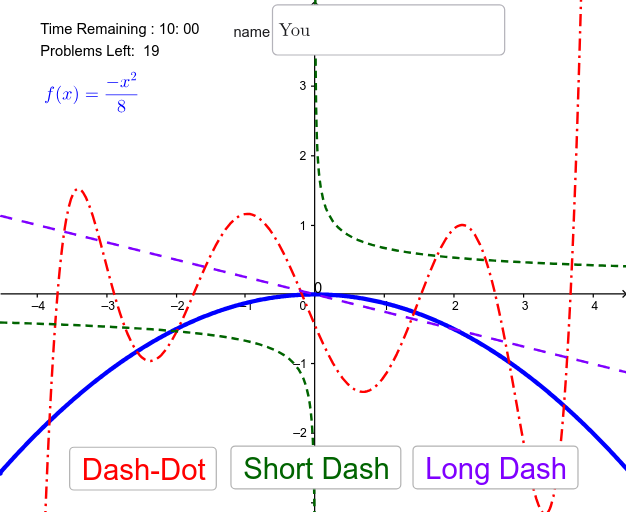
This example demonstrates an interactive quiz for identifying derivatives of functions in GeoGebra. It involves core math concepts like the geometric meaning and calculation of derivatives. Construction highlights include using commands like Polynomial, Element, If, and Textfield. Suitable for high school and above students for calculus learning and practice.
GeoGebra Commands & Parameters
Polynomial({A, B, C, D, E, F, G, H, I}) → p_1Polynomial({A, B, C, G, H, I}) → p_4Polynomial({J, C, E, G, M}) → p_2Polynomial({J, B, K, L, H, M}) → p_3Element(flist, na) → faElement(flist, nb) → fbElement(flist, nc) → fcElement(dlist, na) → radirElement(dlist, nb) → gbdirElement(dlist, nc) → pcdirElement(dlist, nd) → fhintIf(second < 10, "0", "") → sec0Element(flist, nd) → fcorrTextfield(name) → InputBox1
AI Drawing Prompt Reference
Draw a graph of a function and its derivatives, including polynomial functions p1, p2, p3, and p4, and their derivative curves. Use the Polynomial command to create these functions, then select specific derivatives using the Element command. Finally, display a hint based on conditions to help users identify the correct derivative.
The prompt above was compiled from the original drawing commands and is for reference only.