
Curved Surface Area of Cylinder and Cone
Loading the math board and drawing, please wait…
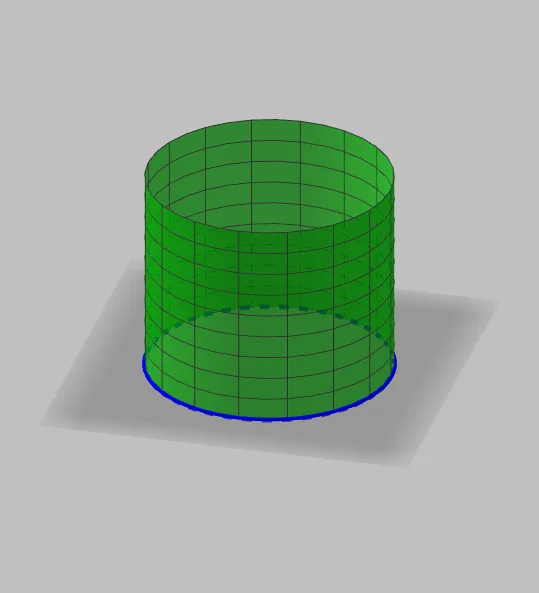
This example demonstrates the calculation and visualization of curved surface areas of a cylinder and a cone. Key math concepts include area formulas, geometric properties, circles, and rotational solids. Construction highlights involve commands like Segment, Surface, Circle, with objects such as r (radius), h (height), A/B/C (auxiliary points), f/α (parameters), and text elements. Suitable for high school geometry education and independent exploration to understand the formation and calculation of surface areas.
GeoGebra Commands & Parameters
Segment(B, C) → fSurface(f, α, zAxis) → aCircle(A, B, xOyPlane) → dSurface((r * cos(u)), (r * sin(u)), v, u, 0, α, v, 0, h) → e
AI Drawing Prompt Reference
Create a 3D diagram illustrating curved surface areas for a cylinder and a cone. Use two auxiliary points to define a base segment that serves as a generatrix for constructing the curved surface, then introduce a parameter direction and a height to generate a curved surface covering that segment. On a chosen plane, draw a circle defined by a center point and a radius point. Finally, sweep/parameterize the circle around the same axis using the radius and the height as the key parameters to form the cone’s outer curved surface from the bottom to the top, presenting it together with the cylinder’s curved surface and including text labels for the radius and height.
The prompt above was compiled from the original drawing commands and is for reference only.