
Cube Division Demonstration by Diego Lieban (4)
Loading the math board and drawing, please wait…
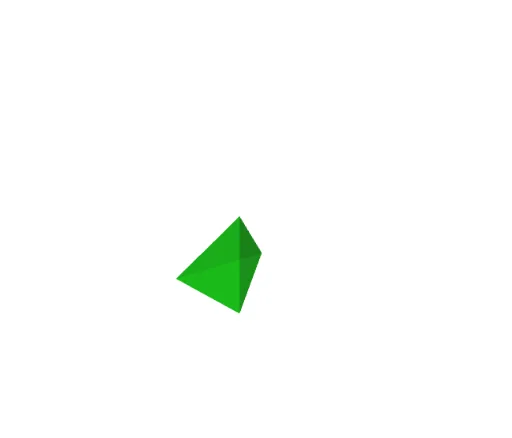
This example demonstrates how to divide a cube into specific geometric shapes through rotation and intersection operations. It involves core mathematical concepts such as solid geometry, derivatives, limits, equilateral triangles, and set theory. Key GeoGebra commands used include Intersect, Point, Cube, Pyramid, Rotate, and Line for construction. Suitable for high school and above students to understand spatial geometry and calculus concepts.
GeoGebra Commands & Parameters
Intersect(xAxis, yAxis) → APoint(xAxis) → BPoint(Circle[B, Distance[A, B], Segment[A, B]]) → CCube(A, B, C) → a, D, faceCDHG, faceEFGH, edgeAD_1, edgeAB_1, edgeBC_1, edgeCD_1, edgeAE, edgeDH, edgeEH, edgeEF, E, edgeBF_1, edgeFG, edgeCG_1, edgeGH, F, G, H, faceABCD, faceADHE, faceABFE, faceBCGFPyramid(A, C, D, G) → d, faceACD, edgeDG, faceACG, faceCDG, faceADG, edgeAC, edgeCD, edgeAD, edgeAG, edgeCGPyramid(B, C, A, G) → b, faceABC, edgeAG_1, faceBCG, faceACG_1, faceABG, edgeBC, edgeAC_1, edgeAB, edgeBG, edgeCG_2Rotate(b, (-(90°)), edgeGH) → b_1Rotate(b_1, 90°, edgeCG) → b_2Rotate(b, If[0 < c ≤ 1, (-(((c * 90))°))], edgeGH) → b_{01}Rotate(b_1, If[1 < c ≤ 2, (((c - 1) * 90))°], edgeCG_2) → b_{12}Rotate(b_2, If[2 < c ≤ 3, (((c - 2) * 90))°], edgeFG) → b_{23}Rotate(b_2, 90°, edgeFG) → b_3Rotate(b_3, (-(90°)), edgeGH) → b_4Rotate(b_3, If[3 < c ≤ 4, (((-(c - 3)) * 90))°], edgeGH) → b_{34}Rotate(d, (-(90°)), edgeGH) → d_1Rotate(d_1, 90°, edgeCG) → d_2Rotate(d_2, 90°, edgeFG) → d_3Rotate(d_3, (-(90°)), edgeGH) → d_4Rotate(d, If[4 < c ≤ 5, (-(((c * 90))°))], edgeGH) → d_{01}Rotate(d_1, If[5 < c ≤ 6, (((c - 1) * 90))°], edgeCG_2) → d_{12}Rotate(d_2, If[6 < c ≤ 7, (((c - 2) * 90))°], edgeFG) → d_{23}Rotate(d_3, If[7 < c ≤ 8, (((-(c - 7)) * 90))°], edgeGH) → d_{34}Line(G, H) → r_1Line(C, G) → r_2Line(F, G) → r_3Line(G, H) → r_4