
Create a Trapezoid with Given Area: Quick Formative Assessment
Loading the math board and drawing, please wait…
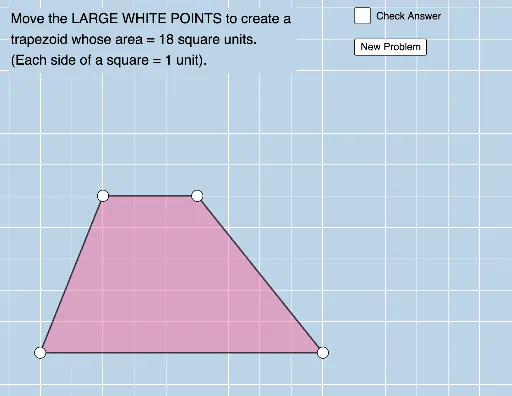
This example demonstrates how to create a trapezoid with a specified area, involving core math concepts like trapezoid area formula, coordinate geometry, and geometric construction. Using GeoGebra commands such as Ray, Point, Polygon, Segment, and RandomElement, users can accurately draw the trapezoid and verify its area. Suitable for middle school and above mathematics education, ideal for formative assessment and instant feedback.
GeoGebra Commands & Parameters
Ray(F, G) → lPoint(l) → HRay(B, B + (1, 0)) → fPoint(f) → CPolygon(A, C, H, D) → q1, m, n, p, qSegment(A, C) → gSegment(D, A) → jRandomElement(L_1) → bSegment(C, H) → hSegment(H, D) → i