
Create a Function: Calculus
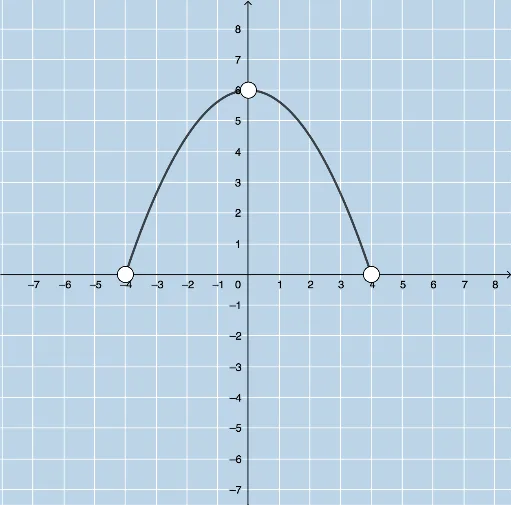
Loading the math board and drawing, please wait…
This example demonstrates how to create a function based on specific characteristics of its first and second derivatives. It involves core math concepts like calculus, derivatives, real numbers, percentages, tree diagrams, logic, and exponential functions. Constructed using GeoGebra commands such as Min, Max, FitPoly, Sequence, RandomElement, Random, mean, FractionText, CountIf, Sort, Element. Suitable for high school and above, ideal for calculus instruction and formative assessment quiz generation with feedback.
GeoGebra Commands & Parameters
Min({x(A), x(B), x(C)}) → aMax({x(A), x(B), x(C)}) → bFitPoly({A, B, C}, 2) → fSequence((2 * i), i, -5, 4, 1) → l1RandomElement(l1) → cRandom(-8, 8) → outputcSequence(i, i, c + 2, 10, 2) → l2RandomElement(l2) → dmean(c, d) → eSequence(i, i, -10, 10, 1) → numlistFractionText(m) → text1Random(1, 7) → nRandom(1, 5) → wRandom(1, 2) → pRandom(1, 2) → kSequence(c + ((e - c) * i / 50), i, 1, 49, 1) → leftlistSequence(e + ((d - e) * i / 50), i, 1, 49, 1) → rightlistSequence(g'(Element[leftlist, i]), i, 1, 49, 1) → LeftDsCountIf(x < 0, LeftDs) → DerivLeftNegSequence(g'(Element[rightlist, i]), i, 1, 49, 1) → RightDsCountIf(x < 0, RightDs) → DerivRightNegSort({x(A), x(B), x(C)}) → l3Element(l3, 2) → SecondTest