
Convex or Concave Polygons
Loading the math board and drawing, please wait…
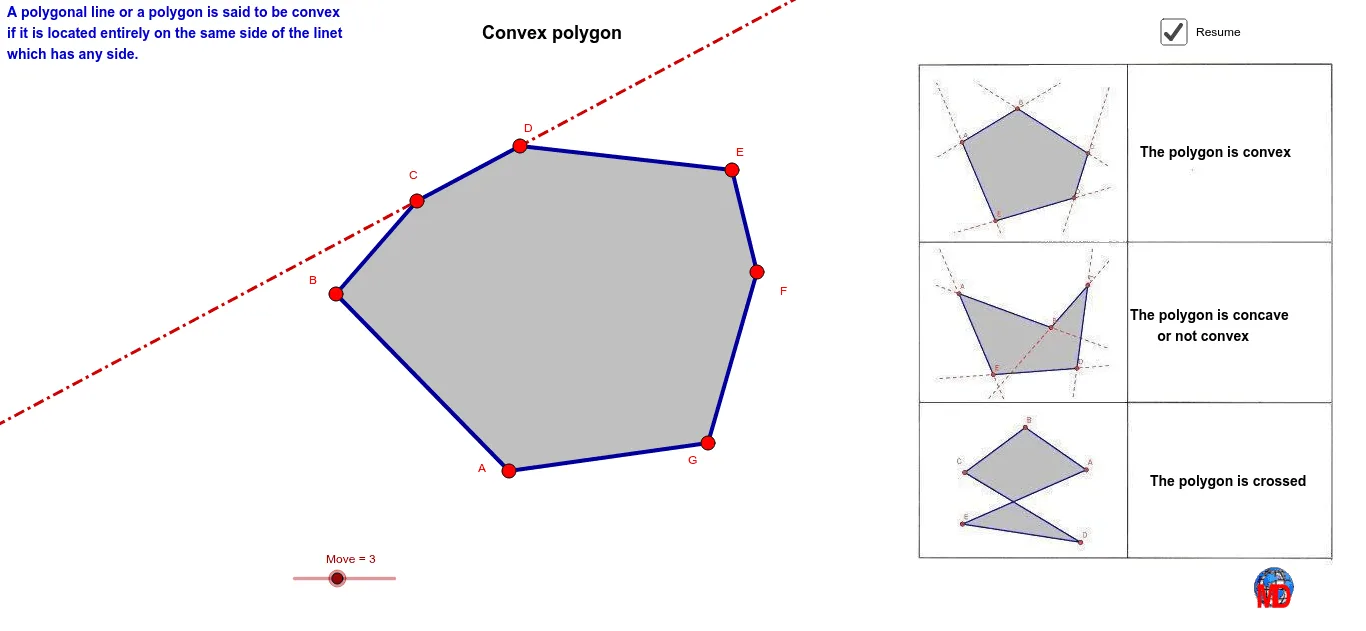
This example demonstrates how to distinguish between convex and concave polygons by adjusting the vertices. Key mathematical concepts include properties of polygons, angle measurement, and geometric construction. Using GeoGebra commands such as Segment, Line, Angle, and Polygon, the shape of the polygon can be dynamically changed to observe changes in its convexity or concavity. Suitable for middle school and above students and teachers.
GeoGebra Commands & Parameters
Segment(A, B) → aLine(A, B) → hSegment(B, C) → bSegment(C, D) → cLine(C, D) → jSegment(D, E) → dLine(D, E) → kSegment(E, F) → eLine(E, F) → lSegment(F, G) → fLine(F, G) → mSegment(G, H) → gLine(G, H) → n_2Line(C, B) → iDistance(A, H) → zSegment(A, H) → r_2Angle(A, B, C) → αAngle(B, C, D) → βAngle(C, D, E) → γAngle(D, E, F) → δAngle(E, F, G) → εAngle(F, G, H) → ζAngle(G, H, A) → ηAngle(H, A, B) → θAngle(G, A, B) → ιPolygon(A, B, C, D, E, F, G) → poly1, a_1, b_1, c_1, d_1, e_1, f_1, g_1Intersect(a, c) → ISequence(Sequence[Intersect[Element[Liste1, i], Element[Liste1, i + j]], i, 1, Length[Liste1]], j, 2, 5) → liste2Join(liste2) → liste1RemoveUndefined(liste1) → liste3If(Length[liste3] ≥ 1, 1, 0) → mmIf(o ∧ z ≤ 0.1, "Convex polygon", If[(¬o) ∧ z ≤ 0.1, "Non-convex or concave polygon"]) → texte3