
Convex and Concave Polygons Demo
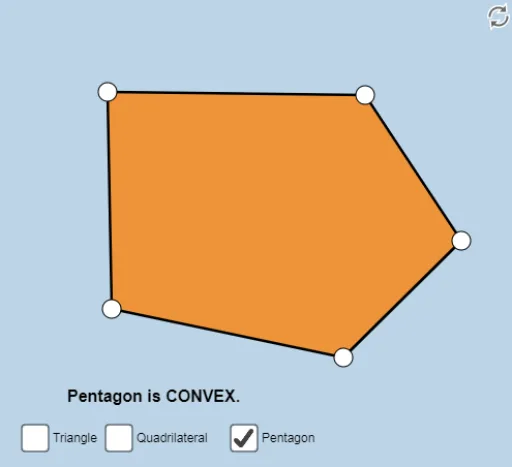
Loading the math board and drawing, please wait…
This example demonstrates convex and concave polygons using a dynamic color-coded illustrator, involving core math concepts like polygon classification, angle measurement, linear functions, percentages, piecewise functions, quadratic functions, and conditional probability. It constructs shapes using GeoGebra commands like Polygon, Segment, and Angle, suitable for high school mathematics education to illustrate polygon properties and related function applications.
GeoGebra Commands & Parameters
Polygon(A, B, C) → poly1, c, a, bPolygon(C, B, F, A) → poly2, c_1, b_1, f_1, a_1Segment(C, B) → gSegment(B, F) → hSegment(F, A) → iSegment(A, C) → jAngle(C, B, F) → αAngle(B, F, A) → βAngle(F, A, C) → γAngle(A, C, B) → δPolygon(C, B, I, J, A) → poly3, c_2, b_2, i_1, j_1, a_2Angle(C, B, I) → εAngle(B, I, J) → ζAngle(I, J, A) → ηAngle(J, A, C) → θSegment(C, B) → lSegment(B, I) → mSegment(I, J) → nSegment(J, A) → pSegment(A, C) → qSegment(C, B) → sSegment(B, A) → tSegment(A, C) → g_1