
Connecting Perpendicular Bisector to Reflections
Loading the math board and drawing, please wait…
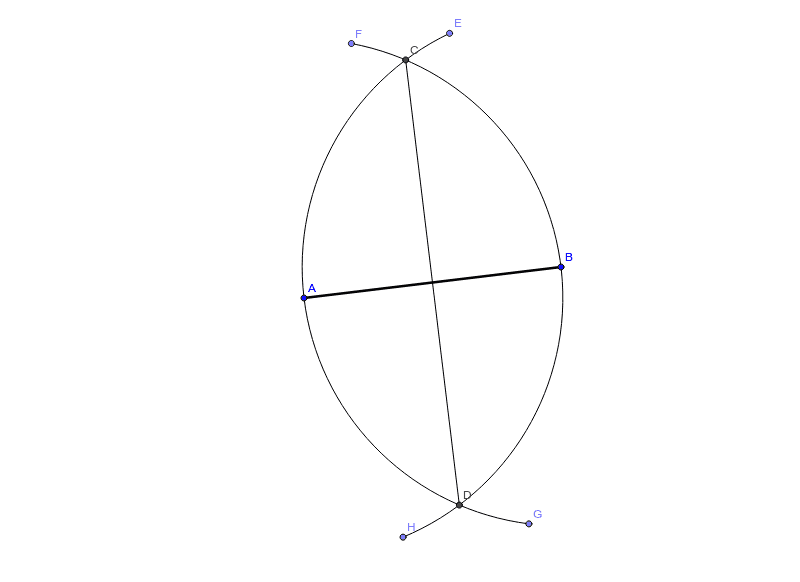
This example helps students understand the connection between constructing a perpendicular bisector and reflecting over a line. Key mathematical concepts include geometric constructions and reflection transformations. It uses commands like Segment, Circle, Intersect, Point, and CircleArc. Suitable for middle school and above students learning geometric transformations.
GeoGebra Commands & Parameters
Segment(A, B) → aCircle(B, A) → cCircle(A, B) → dIntersect(c, d, 2) → CIntersect(c, d, 1) → DSegment(C, D) → bPoint(c) → EPoint(d) → FPoint(c) → GPoint(d) → HCircleArc(B, E, G) → fCircleArc(A, H, F) → e
AI Drawing Prompt Reference
Draw triangle ABC, then construct the perpendicular bisector of AB and find its intersections with the reflections of AC and BC to get points E and F. Draw an arc with center B passing through E and G, and another arc with center A passing through H and F.
The prompt above was compiled from the original drawing commands and is for reference only.