
Comparing Three Rolling Figures
Loading the math board and drawing, please wait…
In collections
Rolling Circles and Polygons
Rolling Circles and Polygons
Rolling Circles and Polygons
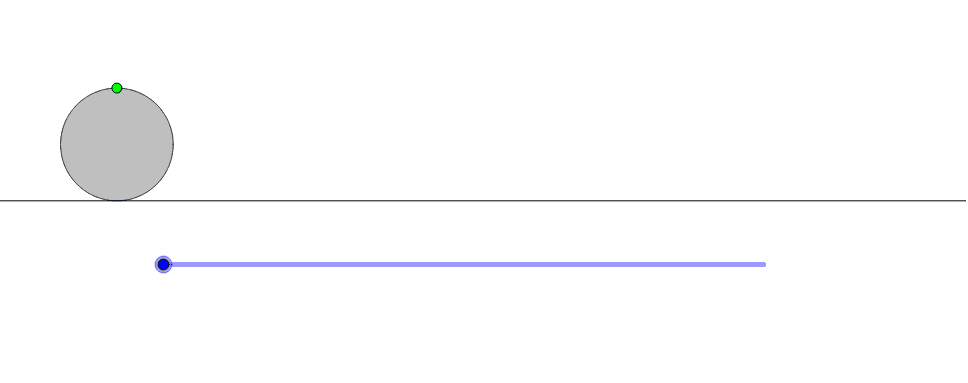
This example demonstrates the rolling motion of three different shapes, involving geometric transformations and properties of circles. Using Circle, Translate, and CurveCartesian commands, you can observe the changes in different shapes during the rolling process. Suitable for students at middle school level and above to learn about geometric transformations and circle properties.
GeoGebra Commands & Parameters
Circle((0, 1), 1) → cTranslate(c, (a, 0)) → c'CurveCartesian(t + sin(t), 1 + cos(t), t, 0, a) → b
AI Drawing Prompt Reference
Draw a circle with its center on the y-axis and radius 1, then translate it along the x-axis by distance a to get a new circle. Next, plot a parametric curve where the x-coordinate is t plus the sine of t, and the y-coordinate is 1 plus the cosine of t, with parameter t ranging from 0 to a, to show the shape's rolling motion.
The prompt above was compiled from the original drawing commands and is for reference only.