
Coin Toss Random Simulation and Expected Value Variability
Loading the math board and drawing, please wait…
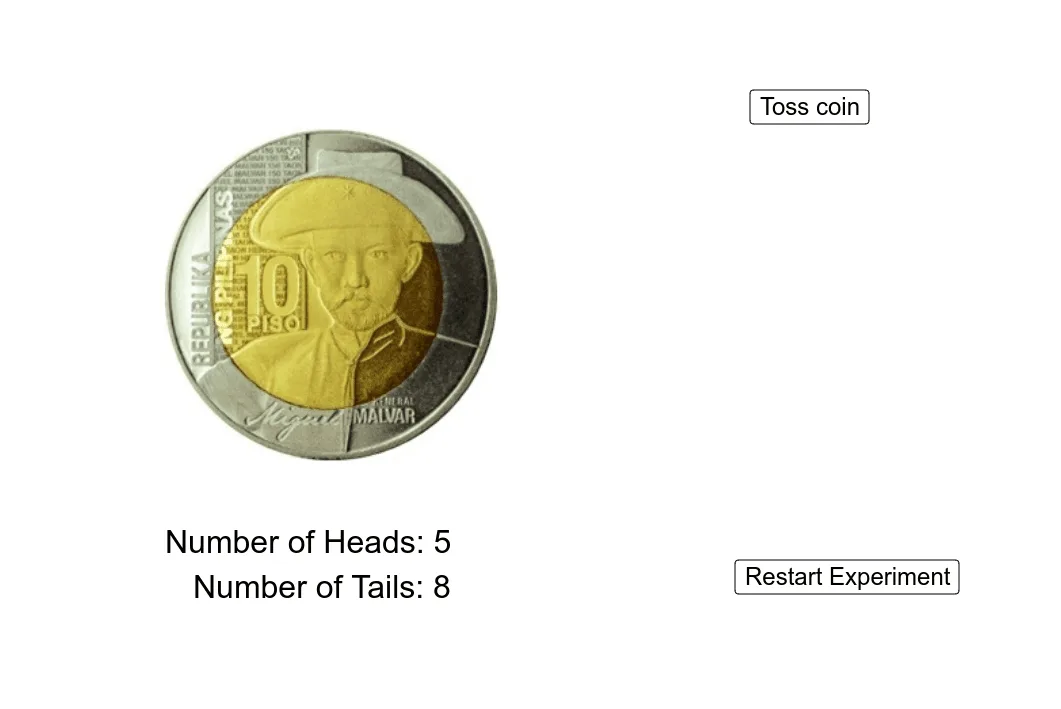
This example demonstrates a coin-toss simulation where random outcomes are generated and visualized as the experiment progresses. It focuses on probability and statistics concepts such as event counting (how many times heads/tails occur), variability/dispersion (intuitive connection to variance), and the role of expected value in long-run behavior. Construction is based on GeoGebra commands and objects from the provided setup: Random is used to generate the stochastic event (event), while CountIf is used to count occurrences meeting specified conditions, producing the heads and tails totals (results). Interface objects like button1 and button2 control running and updating the simulation, and the measured values are displayed or graphically represented through objects such as A, B, C, D, pic1, pic2, and textual readouts text1 and text2. Suitable for middle school to early university, especially for teaching introductory probability, simulating random processes, and building intuition about expectation and variance.
GeoGebra Commands & Parameters
Random(0, 1) → eventCountIf(x ≟ 1, results) → headsCountIf(x ≟ 0, results) → tailsRandom(0, 1) → c
AI Drawing Prompt Reference
Draw a graph showing a coin toss simulation. The graph displays the number of tosses and counts for heads and tails. A slider controls the number of tosses, and the graph updates as the number increases. Show the changing counts of heads and tails, and the concept of expected value.
The prompt above was compiled from the original drawing commands and is for reference only.