
Circle Mirror: Reflecting a Painting Inside a Circle
Loading the math board and drawing, please wait…
In collections
MalinC's GeoGebra-book
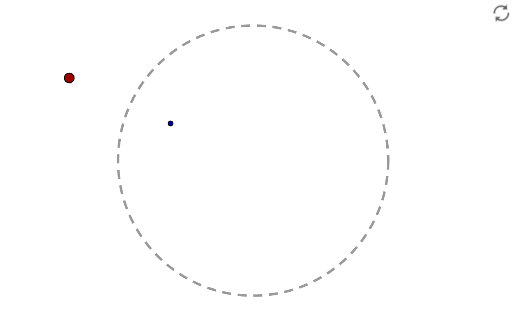
This example demonstrates how to use the reflection property of a circle to map a painting (composed of points, segments, or shapes) into the circle's interior, creating a distorted mirror effect similar to a funhouse mirror. The core mathematical concept is circle inversion (or reflection about a circle), involving geometric transformations, the relative position of points to the circle, and the construction of mirror images. Construction highlights: using GeoGebra commands such as Intersect to find intersection points, Point to define original points, Circle to create the reference circle, and Mirror to perform the reflection about the circle, ultimately generating the reflected point C' and connecting original and reflected points with blue objects (e.g., segments or curves) to visualize the mapping. Suitable for upper secondary or early university students learning geometric transformations, inversion geometry, and dynamic mathematics experiments, as well as for artistic pattern design.
GeoGebra Commands & Parameters
Intersect(xAxis, yAxis) → APoint(xAxis) → BCircle(A, B) → cMirror(C, c) → C'
AI Drawing Prompt Reference
Draw a circle and create a pattern inside it using points and segments. Reflect this pattern across the circle to create a distorted mirror effect, connecting the original and reflected elements with blue lines to show the mapping, and label the center of the circle and key points of the original and reflected patterns.
The prompt above was compiled from the original drawing commands and is for reference only.