
Circle-Line Pantograph
Loading the math board and drawing, please wait…
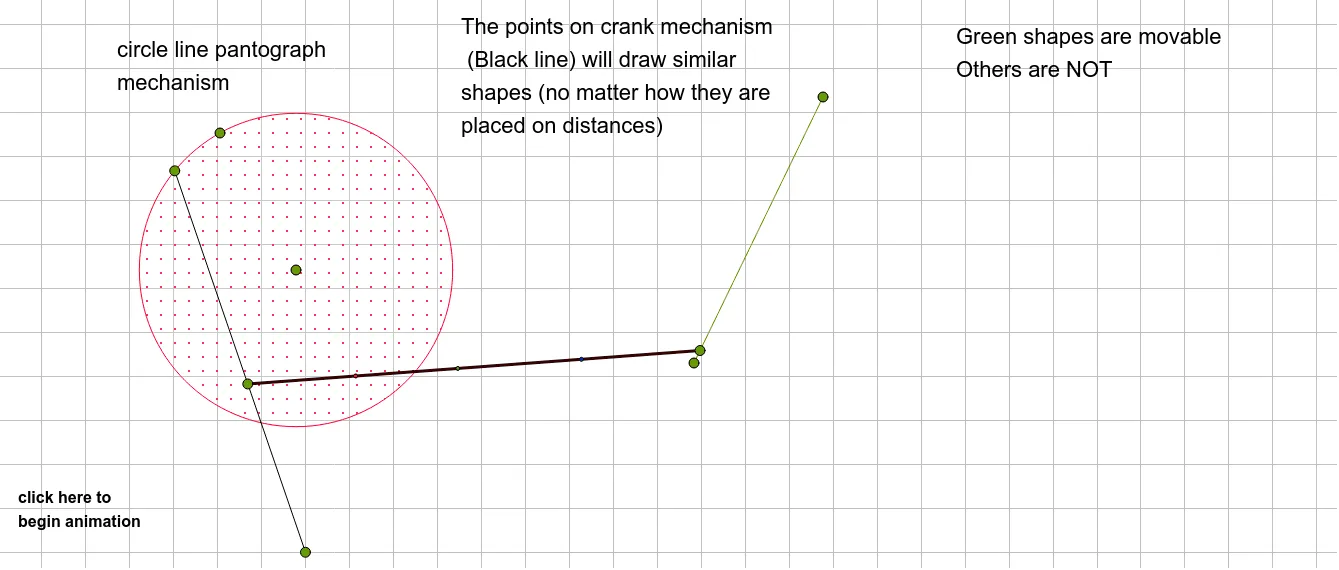
This example demonstrates the principle of a circle-line pantograph. Key mathematical concepts include circles, geometric transformations, and geometric constructions. Using GeoGebra commands such as Segment, Point, and Circle, the working process of the pantograph is dynamically illustrated. Suitable for high school geometry education and math enthusiasts exploring geometric transformations.
GeoGebra Commands & Parameters
Segment(C, D) → gPoint(g) → FCircle(A, E) → cPoint(c) → GSegment(G, B) → fPoint(f) → HSegment(H, F) → hPoint(h) → IPoint(h) → JPoint(h) → K
AI Drawing Prompt Reference
Draw a circle-line pantograph model. First, draw a line segment CD, then take point F on the line segment. Next, draw a circle with point A as the center and point E as the radius, and take point G on the circle. Draw a line segment GB, take point H on the line segment, then draw a line segment HF, and take points I and J on the line segment. Finally, take point K on the line segment.
The prompt above was compiled from the original drawing commands and is for reference only.