
Circle Graphing - EQ in General Form Quiz
Loading the math board and drawing, please wait…
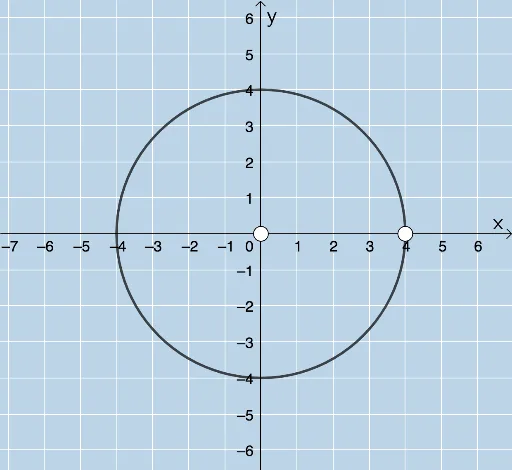
This example demonstrates how to graph a circle using its general form equation with GeoGebra. Key math concepts include circle equations, coordinate geometry, and parameter settings. It utilizes commands like Random and Circle, along with objects such as r, h, k, eq1, button1, A, B, c, text1, text2, a, text3, text4 for construction. Ideal for high school students learning coordinate geometry and circle equations.
GeoGebra Commands & Parameters
Random(1, 10) → rRandom(-6, 6) → hRandom(-6, 6) → kCircle(A, B) → c
AI Drawing Prompt Reference
Create a circle with a random center between -6 and 6 on both axes and a random radius between 1 and 10. First set the center point, then draw the circle based on the center and the random radius.
The prompt above was compiled from the original drawing commands and is for reference only.