
Circle Geometry
Loading the math board and drawing, please wait…
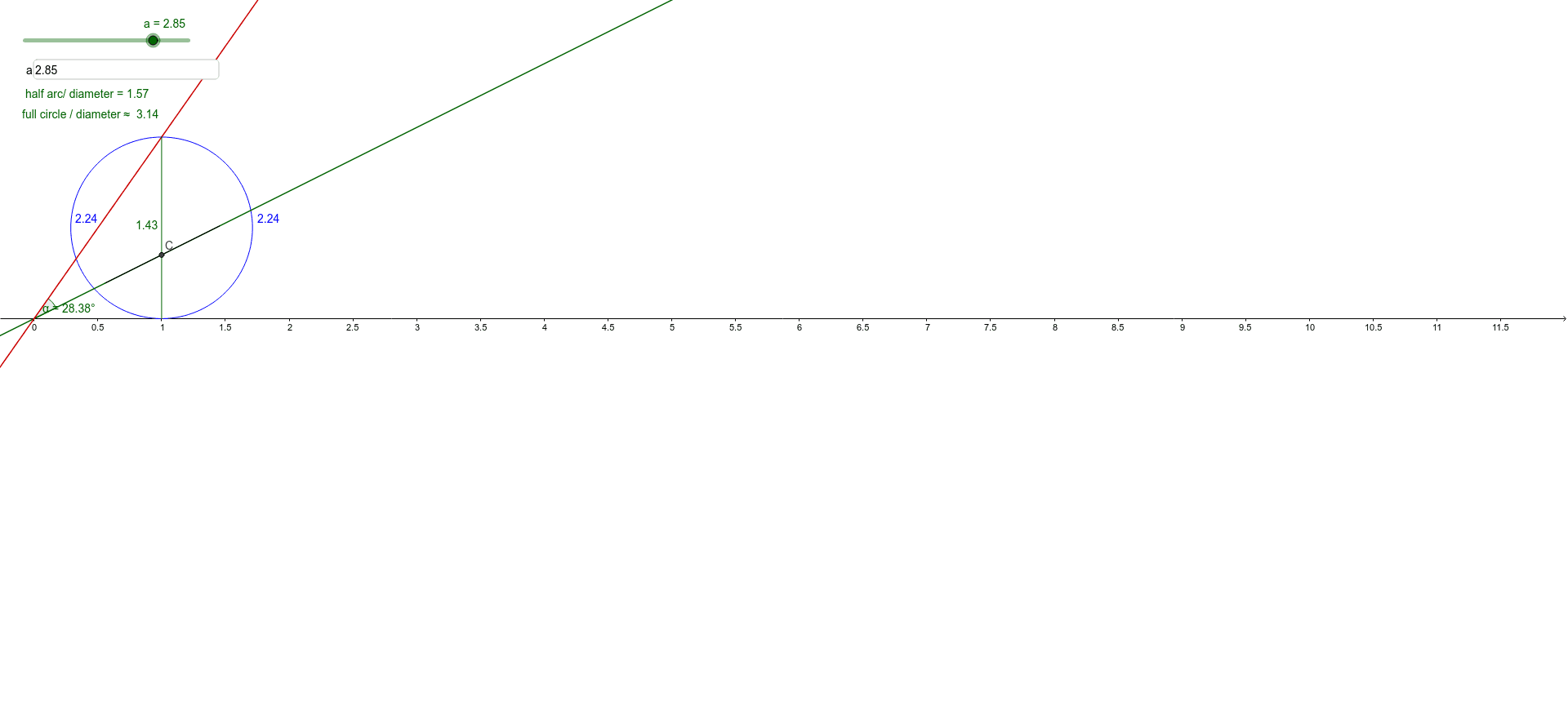
This example demonstrates basic properties of circles, including tangents, semicircles, angles, and segments. It uses GeoGebra commands such as Slope, Point, Semicircle, Intersect, etc., to dynamically explore circle properties. Suitable for middle school and above students to learn about circle geometry.
GeoGebra Commands & Parameters
Slope(f) → mPoint(g) → BSemicircle(A, B) → cSemicircle(B, A) → dIntersect(m, f, 1) → CPoint(f) → DPoint(f) → ESegment(E, D) → hPoint(g) → FIntersect(f, g, 1) → GAngle(C, G, F) → αSegment(B, A) → iTextfield(a) → InputBox1
AI Drawing Prompt Reference
Draw a circle and its two diameters AB and BA. Then, mark a point C on diameter AB and draw the tangent at C. Next, mark two points D and E on the circle and connect DE. Draw point F on diameter BA and connect F and C. Measure the angle ∠GCF.
The prompt above was compiled from the original drawing commands and is for reference only.