
Chess board to random permutations
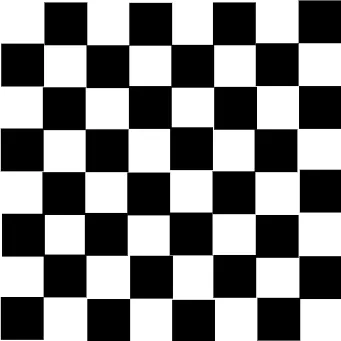
Loading the math board and drawing, please wait…
This example demonstrates how to generate random permutations from a chessboard. It involves core math concepts like combinatorics, sequences and series, and probability & statistics. Construction highlights include using GeoGebra commands: Flatten, Shuffle, Zip, Sequence, Corner. Suitable for high school and university foundational mathematics teaching to illustrate permutations and random processes.
GeoGebra Commands & Parameters
Flatten(Sequence[Sequence[(ii, jj), ii, 0, 7], jj, 0, 7]) → startpsShuffle(Sequence[64]) → rand64ord, {59, 43, 23, 3, 7, 39, 48, 61, 32, 60, 50, 40, 33, 52, 42, 31, 30, 16, 41, 8, 49, 28, 4, 51, 24, 9, 12, 1, 18, 26, 62, 64, 35, 25, 19, 29, 58, 63, 17, 20, 27, 10, 57, 37, 46, 22, 55, 38, 36, 47, 5, 2, 13, 34, 44, 45, 15, 14, 56, 6, 54, 11, 21, 53}Zip(Element[startps, nn], nn, rand64ord) → endpsZip(AA + (tt1 * (BB - AA)), AA, startps, BB, endps) → move1ptsSequence(If[Mod[x(Element[startps, nn]) + y(Element[startps, nn]), 2] ≟ 0, Polygon[Element[move1pts, nn], Element[move1pts, nn] + (1, 0), 4]], nn, 1, 64, 1) → move1sqsCorner(5) → dims
AI Drawing Prompt Reference
Draw a chessboard and randomly shuffle its squares. First, generate the coordinates of all chessboard squares, then randomly shuffle these coordinates, and subsequently rearrange the squares according to the shuffled order. Finally, connect adjacent squares with lines to form a distorted chessboard pattern.
The prompt above was compiled from the original drawing commands and is for reference only.