
Buffon's Needle Simulation
Loading the math board and drawing, please wait…
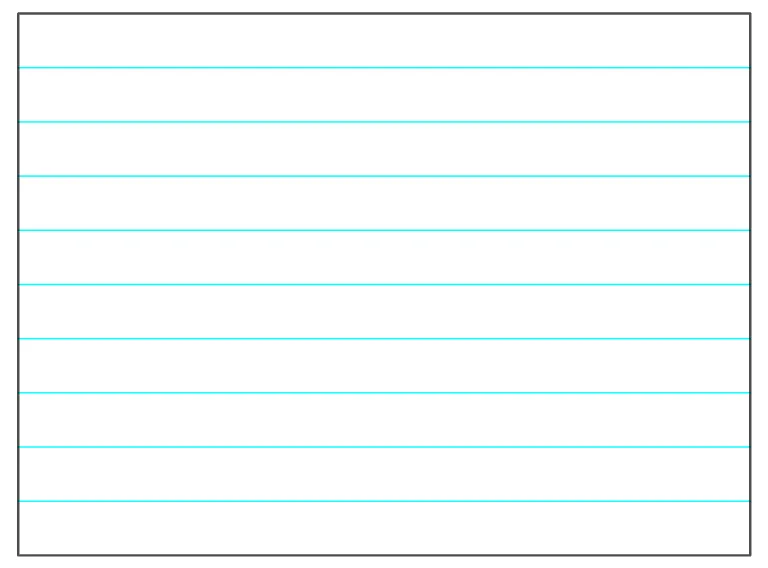
Simulates Buffon's Needle experiment to approximate the value of pi π using the Monte Carlo method. Key concepts include geometry, probability, and trigonometry. GeoGebra commands used include construction, intersection, polyline, and segment. Suitable for high school and above students or educators for teaching and research.
GeoGebra Commands & Parameters
Corner(5) → dimsIntersect(xAxis, yAxis) → APolyLine(A, (boardX, 0), (boardX, boardY), (0, boardY), A) → fMax(boardX / boardY, x(dims) / y(dims)) → ratioaspectTextfield(boardX) → InputBoxXTextfield(boardY) → InputBoxYSequence(Segment[(0, t), (boardX, t)], t, 1, boardY - 1) → l1Mirror(RandPosA, RandPos) → RandPosBSegment(RandPosA, RandPosB) → segneedleIf(boardY / boardX > y(dims) / x(dims), (boardY * x(dims) / y(dims)), boardX) → boardXmodIf(boardY / boardX < y(dims) / x(dims), (boardX * y(dims) / x(dims)), boardY) → boardYmodTextfield(needleLength) → InputBoxNeedle
AI Drawing Prompt Reference
Draw a plane diagram for Buffon’s Needle experiment: start with a coordinate grid, mark the intersection of the x- and y-axes as the reference, and define a rectangular sampling region using the board’s width and height. Outline this region with a polyline so it serves as the bounded area for trials. Inside the region, include a “needle” as a line segment whose endpoints lie within the plane; its placement is random within the defined bounds, and its length is controlled by a user input parameter. Provide input fields for the region dimensions and needle length so the setup can be used repeatedly to approximate π via Monte Carlo sampling.
The prompt above was compiled from the original drawing commands and is for reference only.