
Borel 2: Probability and Random Variables Visualization
Loading the math board and drawing, please wait…
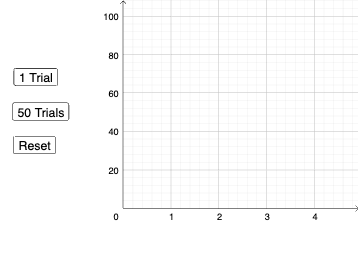
The Borel 2 example demonstrates concepts in probability theory, such as random experiments and random variables. Using GeoGebra commands like Sequence, Sum, Length, and DotPlot, users can visualize random process models. Key construction steps involve objects D, l1, l2, a, and others. Suitable for high school students or early university students to understand probability basics, useful in math teaching and experimental demonstrations.
GeoGebra Commands & Parameters
Sequence(Random[1, 6], a, 1, 4) → l1, {4, 3, 1, 5}Sequence(Element[l1, a] ≟ Element[l1, a + 1], a, 1, 3) → l2Sum(l2) → aLength(D) → bDotPlot(D) → l3
AI Drawing Prompt Reference
Visualize a graph showing a sequence of four random numbers between 1 and 6, marking pairs of consecutive equal elements, calculating the sum of these equal pairs, displaying the length of the original data points, and finally creating a dot plot to visualize the data points.
The prompt above was compiled from the original drawing commands and is for reference only.