
Bezier Curve for McDonald's Logo
Loading the math board and drawing, please wait…
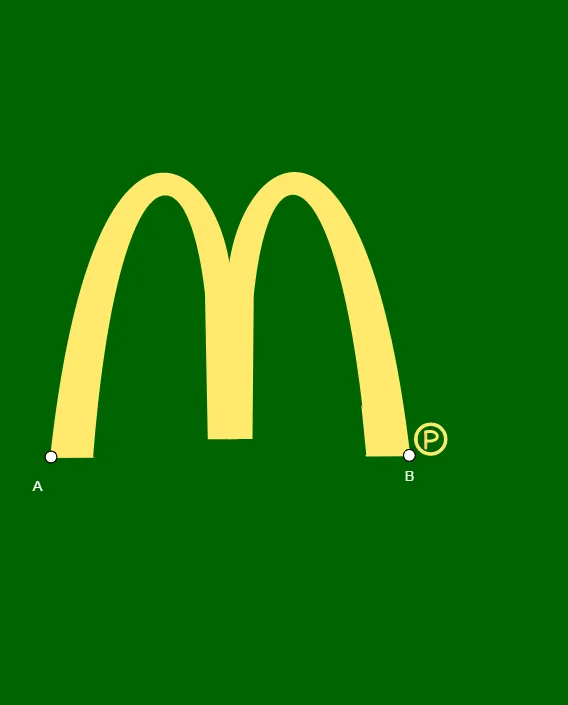
This example demonstrates how to draw the McDonald's logo using Bezier curves. It involves core mathematical concepts such as vectors, geometric constructions, and parametric equations. Key GeoGebra commands used include Midpoint, Vector, OrthogonalVector, CurveCartesian, Line, Intersect, LineBisector, Polygon, Mirror, Circle, OrthogonalLine, and Segment. Suitable for high school students and those interested in computer graphics.
GeoGebra Commands & Parameters
Midpoint(A, B) → CVector(C, B) → uOrthogonalVector(u) → vCurveCartesian(((1 - t)^(3) * F) + (((3 * (1 - t)^(2)) * t) * U) + (((3 * (1 - t)) * t^(2)) * S) + (t^(3) * L), t, 0, 1) → aLine(A, E) → gIntersect(g, a) → M, N, OLineBisector(A, B) → fPolygon(A, F, M) → t1, m, a_1, f_1Mirror(E, f) → E'Mirror(O, f) → O'Mirror(L, f) → L'Mirror(D, f) → D'CurveCartesian(((1 - t)^(3) * A) + (((3 * (1 - t)^(2)) * t) * W) + (((3 * (1 - t)) * t^(2)) * Q) + (t^(3) * E), t, 0, 1) → bMirror(b, f) → b'Mirror(a, f) → a'Mirror(A, f) → A'Mirror(F, f) → F'Mirror(M, f) → M'Polygon(A', F', M') → t1', m', h, f'Line(A, B) → iCircle(R, Z) → cCircle(R, B_1) → kOrthogonalLine(A_1, i) → jOrthogonalLine(Z, i) → nMirror(D_1, n) → E_1Mirror(C_1, n) → F_1Segment(D_1, C_1) → pMidpoint(R, F_1) → G_1CurveCartesian(((1 - t)^(3) * D_1) + (((3 * (1 - t)^(2)) * t) * L_1) + (((3 * (1 - t)) * t^(2)) * N_1) + (t^(3) * H_1), t, 0, 1) → qLine(R, F_1) → sIntersect(s, q) → O_1, P_1, Q_1Segment(Q_1, F_1) → rPolygon(L, D, E, S_1) → c1, l, t, d, eMirror(L, f) → L'_{1}Mirror(D, f) → D'_{1}Mirror(E, f) → E'_{1}Mirror(N, f) → N'Mirror(L, f) → L'_{2}Mirror(D, f) → D'_{2}Mirror(E, f) → E'_{2}Mirror(S_1, f) → T_1Polygon(L'_{2}, D'_{2}, E'_{2}, T_1) → c1', l'_{2}, d'_{2}, e'_{2}, t_1