
Best Fit Line by Dr Brooks
Loading the math board and drawing, please wait…
In collections
statistics
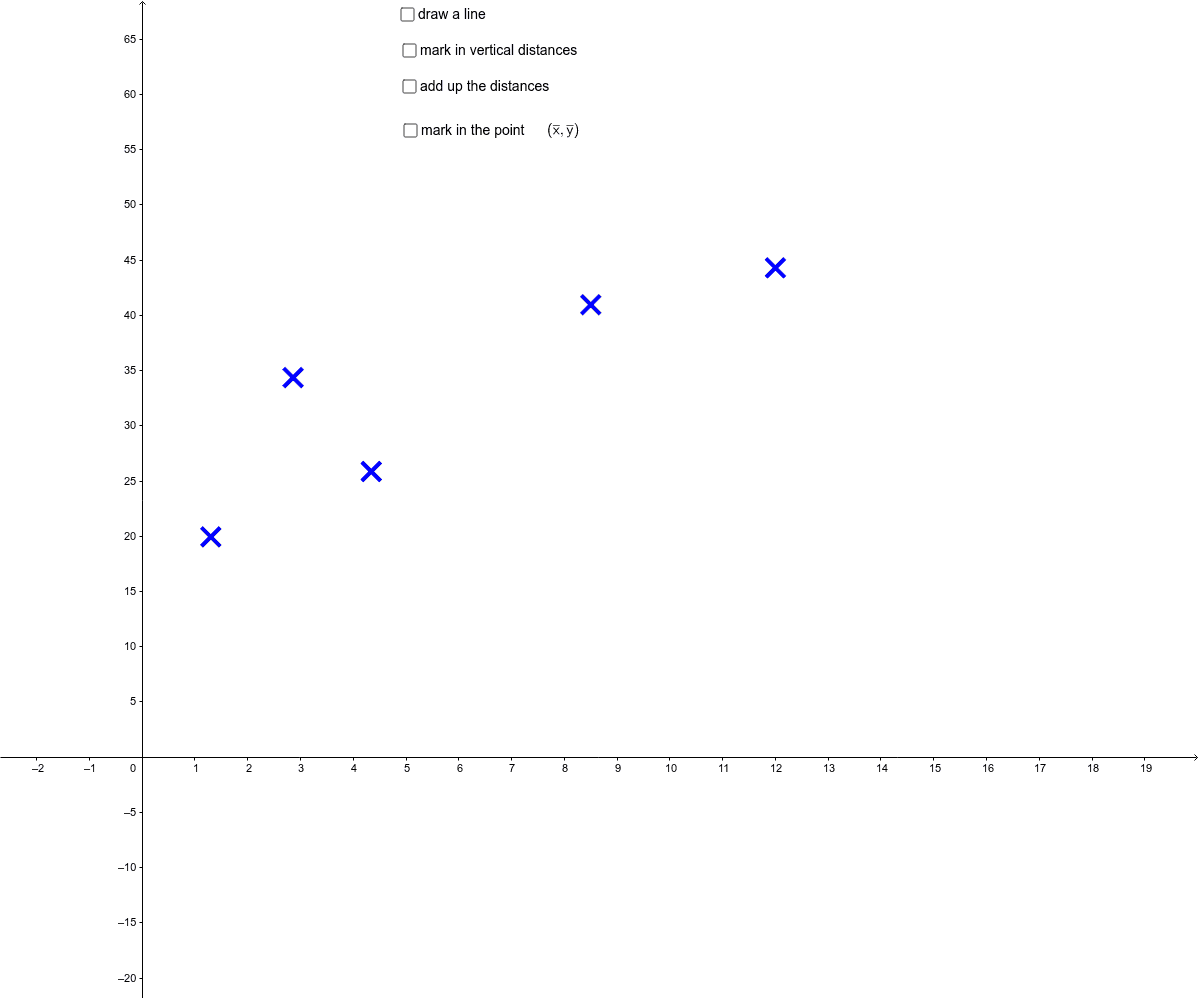
This example demonstrates how to draw the best fit line using GeoGebra. Key mathematical concepts include straight lines and least squares method. Using GeoGebra commands such as OrthogonalLine, Point, Intersect, etc., the best fit line can be constructed. Suitable for high school mathematics education and learning.
GeoGebra Commands & Parameters
OrthogonalLine(A, xAxis) → aOrthogonalLine(B, xAxis) → bOrthogonalLine(C, xAxis) → cOrthogonalLine(D, xAxis) → dOrthogonalLine(E, xAxis) → ePoint(yAxis) → YIntersect(a, g) → A'Intersect(b, g) → B'Intersect(c, g) → C'Intersect(d, g) → D'Intersect(e, g) → E'If((distancesum > (-0.02)) ∧ (distancesum < 0.02), 0, distancesum) → distancesum'Segment(E, E') → e'Segment(D, D') → d'Segment(C, C') → c'Segment(B, B') → b'Segment(A, A') → a'Midpoint(a') → A''Midpoint(b') → B''Midpoint(c') → C''Midpoint(d') → D''Midpoint(e') → E''OrthogonalLine((6, 0), xAxis) → lIntersect(l, g) → WSegment((6, 0), W) → w'Segment(W, W') → w''OrthogonalLine((0, 6), yAxis) → mIntersect(m, g) → ZSegment((0, 6), Z) → zSegment(Z, Z') → z'Segment(O, (3 + distancesum' / 4, 5)) → f