
Bearing Summary
Loading the math board and drawing, please wait…
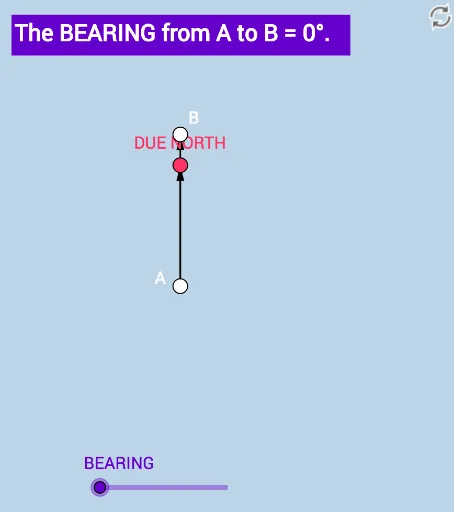
This example dynamically demonstrates three ways of expressing direction (bearing) in trigonometry. It involves key concepts such as angles and vectors. Using GeoGebra commands like Ray, Point, and Vector, it provides an intuitive understanding of bearing transformations. Suitable for high school mathematics education and learning.
GeoGebra Commands & Parameters
Ray(A, B_1) → fPoint(f) → PVector(A, P) → uRotate(P, ((-a) * π / 180), A) → B_2Vector(A, B_2) → vAngle(B_2, A, P) → BEARINGRay(A, B_2) → gPoint(g) → BVector(A, B) → w
AI Drawing Prompt Reference
Draw a dynamic illustration showing three ways to express direction in trigonometry, featuring a starting point and two rays. The first ray makes a certain angle with the horizontal axis, and the second ray is obtained by rotating the endpoint of the first ray. The third ray is parallel to the first ray. Display the angle between the two rays, and use vectors to represent the vectors from the starting point to the endpoints of the two rays and the vector from the starting point to the endpoint of the rotated ray.
The prompt above was compiled from the original drawing commands and is for reference only.