
Area of a Parallelogram by David Taub
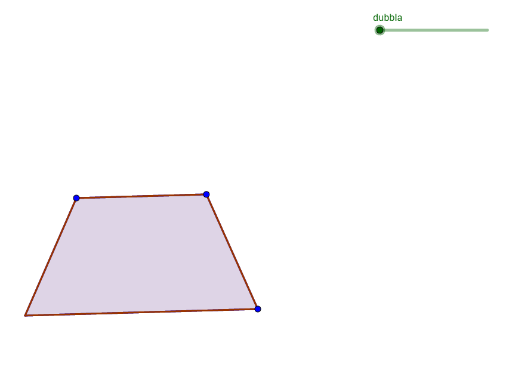
Loading the math board and drawing, please wait…
This example demonstrates how to construct a parallelogram and calculate its area. The core math concepts involved include parallelogram, area formula, midpoint, rotation, and angle. It uses GeoGebra commands/objects such as Line, Point, Polygon, Midpoint, Circle, Rotate, and Angle. Suitable for high school mathematics teaching, helping students understand and apply the calculation method for the area of a parallelogram.
GeoGebra Commands & Parameters
Line(A, B) → fLine(C, f) → gPoint(g) → DPolygon(A, B, D, C) → poly1, a, b, d, cMidpoint(D, B) → ECircle(E, D) → eRotate(D, (-dubbla), E) → D'Angle(D', E, D) → βRotate(B, (-dubbla), E) → B'Angle(B', E, B) → γCircle(E, C) → hRotate(C, (-dubbla), E) → C'Angle(C', E, C) → δCircle(E, A) → kRotate(A, (-dubbla), E) → A'Angle(A', E, A) → εPolygon(B', A', C', D') → poly2, b', a', c', d'