
Calculating Area of a Parallelogram by David Taub
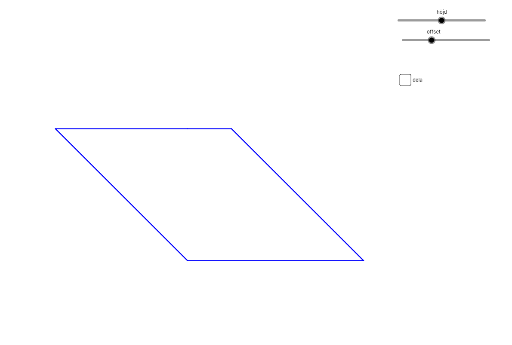
Loading the math board and drawing, please wait…
This example demonstrates how to calculate the area of a parallelogram. It involves core mathematical concepts such as the parallelogram, area formula, height, and angles. The construction uses GeoGebra commands like Segment, Line, OrthogonalLine, Intersect, Polygon, and Angle to draw the parallelogram, height, and angles. It is suitable for middle school students and above to learn about geometric area calculations.
GeoGebra Commands & Parameters
Segment(A, B) → fLine(D, f) → gOrthogonalLine(A, g) → hIntersect(g, h) → ESegment(E, A) → iPolygon(C, F, G) → poly1, g_1, c, f_1Segment(E, D) → jSegment(D, B) → kSegment(E, A) → lSegment(C, E) → mSegment(C, A) → nAngle(B, A, E) → αAngle(C, F, G) → β