
Symmetry Line: Mirroring a Pyramid in GeoGebra
Loading the math board and drawing, please wait…
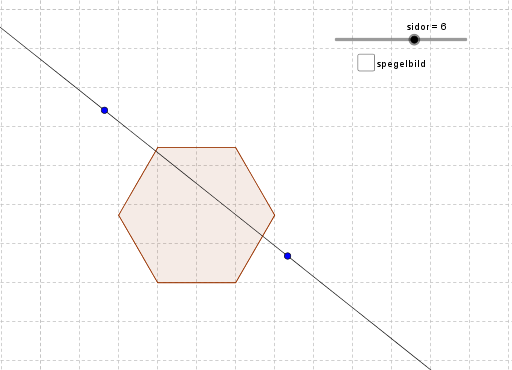
This example demonstrates how to construct a symmetry line for a pyramid (polyhedron) using GeoGebra's mirror tool, and observe the reflected image of the entire solid about the axis. The core mathematical concepts include axial symmetry (reflection), symmetry properties, centroid/barycenter, and the role of linear functions in geometric contexts. Construction steps: use the Polygon command to draw the base polygon (sidor), define vertices A, B, etc., and build the pyramid poly1; create a symmetry axis using the Line command (e.g., line a), then apply the Mirror command to reflect the pyramid or selected edges (f, g, h, i, j, k, l, m) across this axis, producing the mirrored image (spegel). Objects involved include multiple points (C, D, E, F, G, H, I, J) and auxiliary lines. Suitable for middle school to high school students learning geometric transformations, symmetry properties, and dynamic geometry exploration, as well as for teachers demonstrating the effect of symmetry axes on 3D shapes.
GeoGebra Commands & Parameters
Polygon(A, B, sidor) → poly1, f, D, E, F, G, H, g, h, i, j, k, l, m, CLine(I, J) → nMirror(poly1, n) → spegel