
Animated Demo of Angle Types
Loading the math board and drawing, please wait…
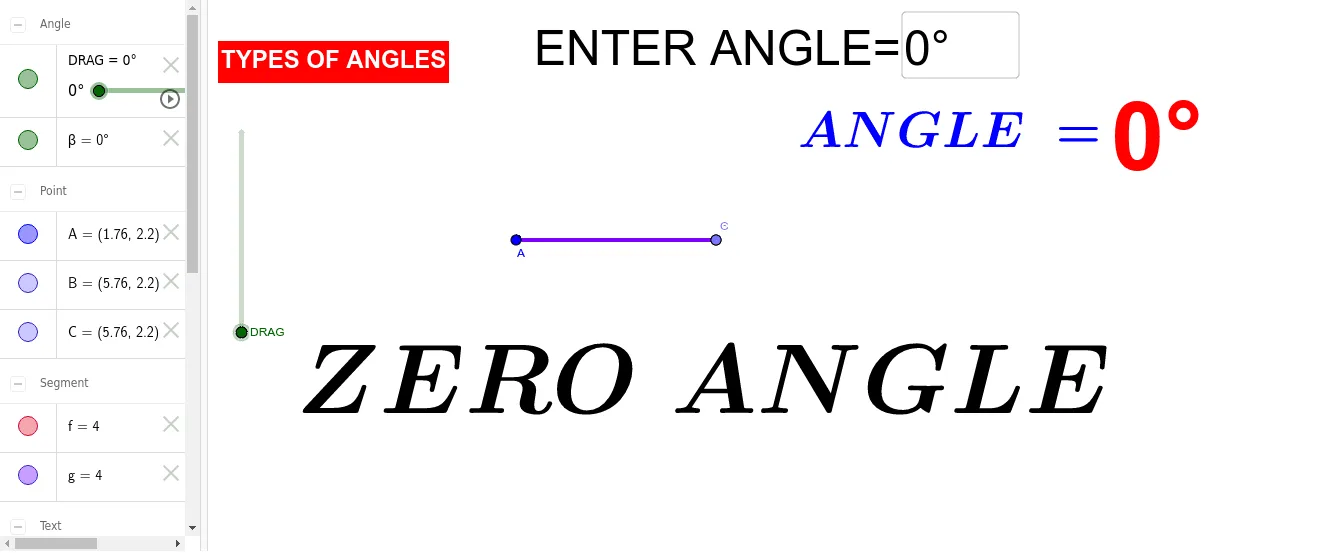
This example demonstrates the formation and properties of different types of angles (acute, right, obtuse) through animation. It involves core mathematical concepts such as angle definition, classification, and geometric transformations. Constructed using GeoGebra commands like Point, Segment, Rotate, Angle, and Textfield to create angle diagrams with annotations. Suitable for middle school mathematics education to visually aid students in understanding angle classification and geometric properties.
GeoGebra Commands & Parameters
Point(Circle[A, 4]) → BSegment(A, B) → fRotate(B, DRAG, A) → CAngle(B, A, C) → βSegment(C, A) → gTextfield(DRAG) → InputBox1
AI Drawing Prompt Reference
Create an animated geometry diagram showing different angle types. Start with a circle, place a point on it, and draw a segment from the center to that point as one side of the angle. Use a draggable parameter to rotate this point around the center, forming the second side, and display the angle measure between the two sides. Include an input box to adjust the rotation, allowing real-time demonstration of acute, right, and obtuse angles. Keep the layout clear for educational purposes.
The prompt above was compiled from the original drawing commands and is for reference only.