
Angle Types Demonstration
Loading the math board and drawing, please wait…
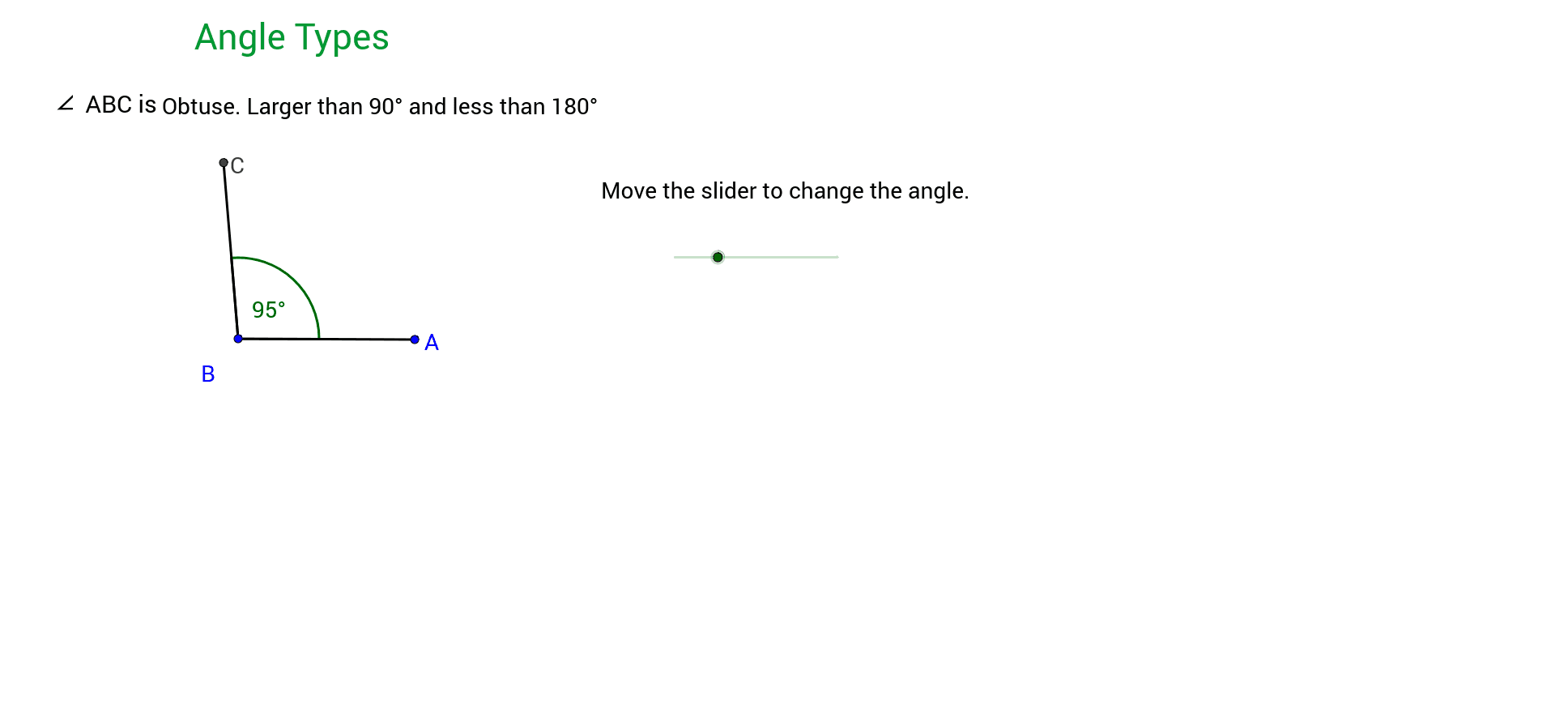
① This example shows how to dynamically display the five basic angle types — acute, right, obtuse, straight, and reflex — in GeoGebra. ② Core mathematical concepts include the definition and classification of angles, angle measurement in degrees and radians, and rotational transformations. ③ Construction highlights: the Rotate command creates rotated copies of a ray, the Angle command automatically measures and labels angles, and the Segment command builds the angle sides; key objects are vertices A, B, C, angle symbols α, β, γ, segments a, b, and text labels text1–text9 for annotation. ④ Suitable for middle‑school geometry (grades 7‑9) and high‑school review, serving both teacher demonstrations and student‑driven exploration.
GeoGebra Commands & Parameters
Rotate(A, α, B) → CAngle(A, B, C) → βSegment(A, B) → aSegment(B, C) → bAngle(A, B, C) → γ
AI Drawing Prompt Reference
Draw a triangle ABC with points A, B, and C as vertices. Use the rotate command to create a ray from point B rotated by angle α, resulting in point C. Measure and label angle ABC as β. Draw line segments AB and BC, and label them as a and b respectively. Measure and label angle BAC as γ. Dynamically display the five basic angle types: acute, right, obtuse, straight, and reflex.
The prompt above was compiled from the original drawing commands and is for reference only.