
Dynamic Demonstration of Slope and Intercept of a Straight Line
Loading the math board and drawing, please wait…
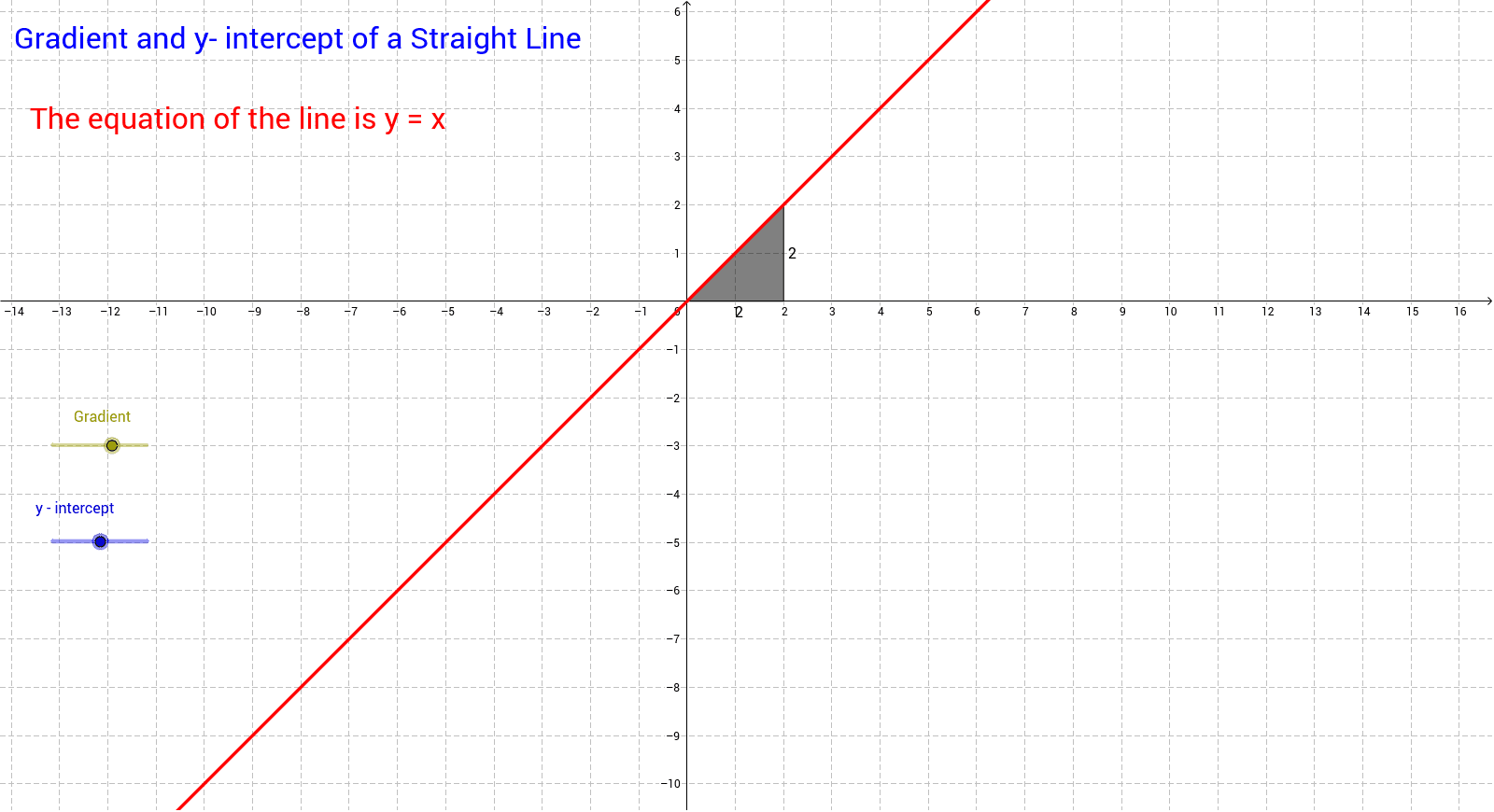
① This example demonstrates how a straight line moves in the coordinate plane as its slope (gradient) and y‑intercept change in real time. ② Core mathematical concepts include the standard form y = mx + c of a linear function, the geometric meaning of slope, the definition of intercept, and the translation/rotation of a line. ③ Construction highlights: the GeoGebra Slope command computes the slope; slider objects a, b, d control the slope and intercept; text objects text1, text2, and c display the current parameters and equation dynamically. ④ Suitable for middle‑school (grade 8) to early high‑school algebra lessons, as well as for student‑led exploration and classroom demonstration.
GeoGebra Commands & Parameters
Slope(d) → c
AI Drawing Prompt Reference
Draw a straight line on a Cartesian plane whose slope and y‑intercept can be changed in real time by two interactive sliders; display the current equation y = mx + c and the numeric values of m and c as dynamic text, so the line rotates or translates instantly as the sliders move, illustrating the geometric meaning of slope and the definition of intercept.
The prompt above was compiled from the original drawing commands and is for reference only.