
Angle Estimation Game
Loading the math board and drawing, please wait…
In collections
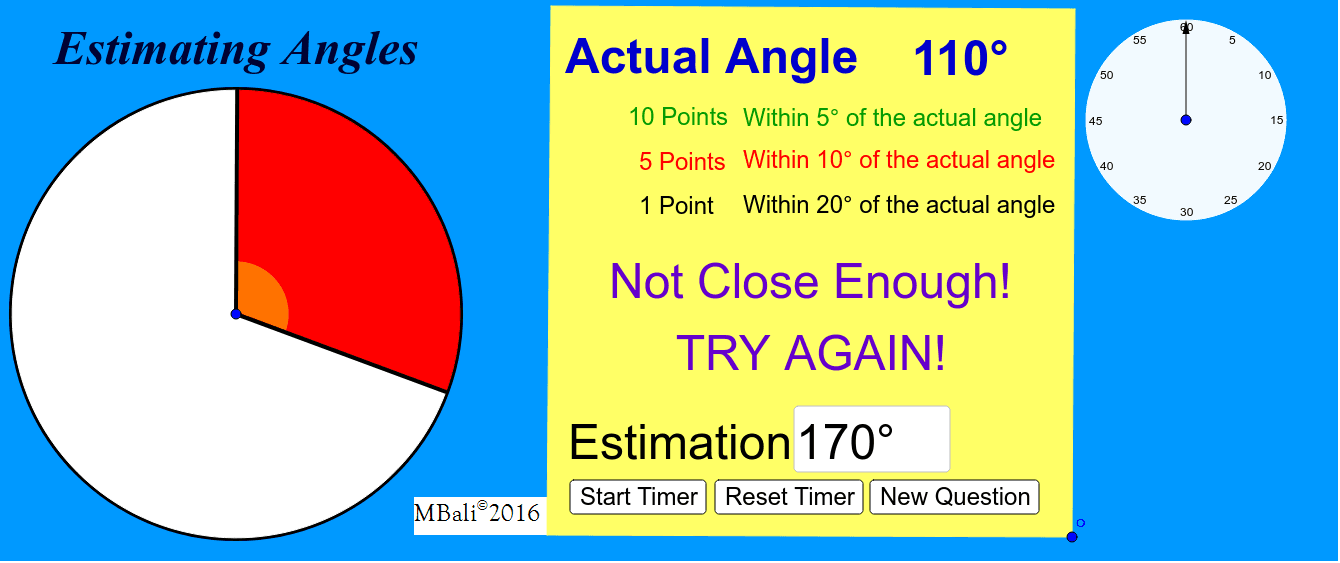
Estimating Angles Game
This example uses a game format to help students estimate angles. Key math concepts include angles and geometric construction. It utilizes GeoGebra commands such as Random, Segment, Rotate, etc. Suitable for middle school and above students for angle estimation practice.
GeoGebra Commands & Parameters
Random(21, 360) → αSegment(A, B) → aRotate(B, (-α), A) → B'Circle(A, B) → cSegment(A, B') → bCircleSector(A, B', B) → dCircleSector(A, B, B') → eRotate(B', 10°, A) → B''Angle(B', A, B'') → γRotate(B', (-(10°)), A) → B''_1Angle(B''_1, A, B') → δSegment(A, B'') → fSegment(A, B''_1) → gAngle(B''_1, A, B) → εRotate(B', 5°, A) → B''_2Angle(B', A, B''_2) → ζSegment(A, B''_2) → hRotate(B', (-(5°)), A) → B''_3Angle(B''_3, A, B') → ηSegment(A, B''_3) → iAngle(B''_3, A, B) → ιAngle(B''_2, A, B) → λRandom(5, 360) → α_1Rotate(B', 20°, A) → B''_4Angle(B', A, B''_4) → κRotate(B', -20°, A) → B''_5Angle(B', A, B''_5) → μSegment(B''_5, A) → jSegment(B''_4, A) → kAngle(B''_4, A, B) → νAngle(B''_5, A, B) → ξPolygon(C, D, E, F) → poly1, c_1, d_1, e_1, f_1Textfield(β_1) → InputBox1Textfield() → InputBox2Circle(A, 1) → pCircle(A, 0.9726577507721628) → qIntersect(d, e, 1) → GIntersect(b, a) → HIntersect(d, e) → I, , ,Intersect(d, e, 1) → JPoint(a) → KPoint(b) → LCircleSector(A, L, K) → rAngle(B', A, B) → βTextfield(θ) → InputBox3Polygon(M, N, O, P) → poly2, m, n, o, p_1Circle(Q, 2) → sPoint(s) → RSegment(Q, R) → lRotate(R, (-ο), Q) → R'Angle(R, Q, R') → ρVector(Q, R') → u
AI Drawing Prompt Reference
Draw a geometric figure with multiple angles. First, generate a random angle α, then draw segment AB, rotate point B to get B', and draw circles and arcs. Use rotation and angle calculations to generate angles γ, δ, ε, ζ, η, ι, λ, κ, μ, ν, and ξ. Finally, draw polygons and circles, ensuring all angles and segments are correctly connected.
The prompt above was compiled from the original drawing commands and is for reference only.