
Estimating Angles Game (Students Drawing Version)
Loading the math board and drawing, please wait…
In collections
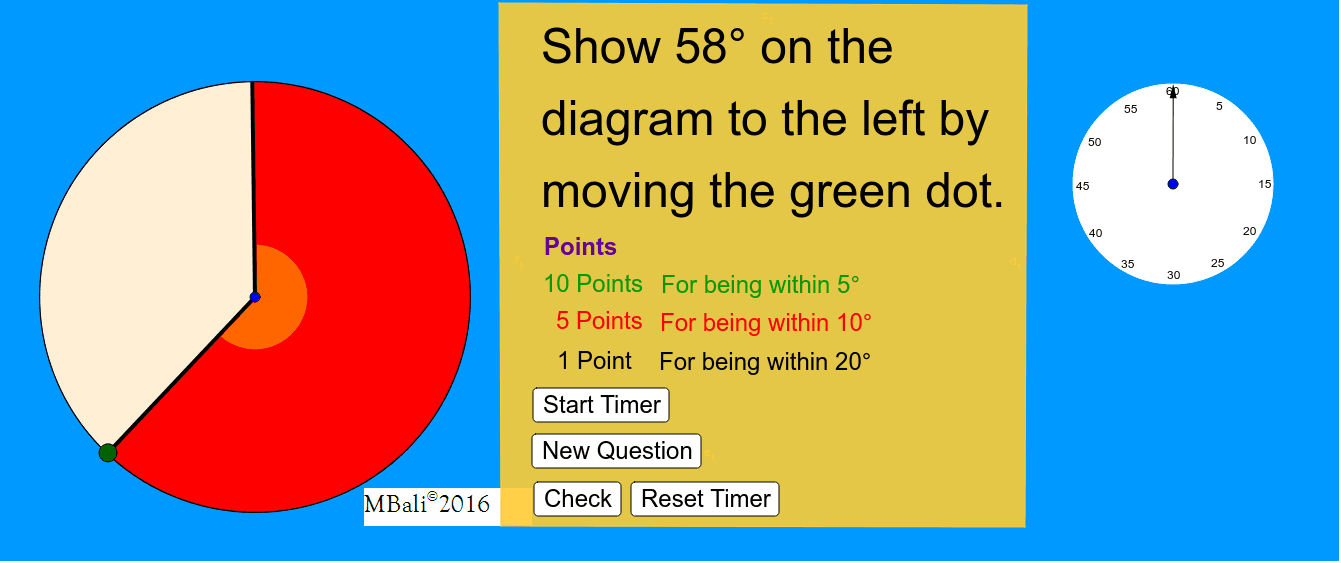
Estimating Angles Game
This example demonstrates students estimating angles through drawing. Core math concepts include angles, triangles, circles, polygons. Construction involves commands like Polygon, Circle, Segment, Intersect, Point, Random, CircleSector, Angle, AngularBisector, Rotate, Vector. Suitable for middle school and above for geometry drawing and angle estimation practice.
GeoGebra Commands & Parameters
Polygon(C, D, E, F) → poly1, c_1, d_1, e_1, f_1Circle(A, G) → cSegment(A, H) → aIntersect(c, a, 1) → ISegment(A, I) → bCircle(A, 1) → fPoint(b) → LRandom(10°, 350°) → γRandom(10, 350) → α_1Point(b) → OPoint(c) → JCircleSector(A, J, O) → dCircleSector(A, O, J) → eSegment(A, J) → gCircle(A, 1) → hPoint(g) → KPoint(b) → MCircleSector(A, K, M) → kAngle(J, A, I) → βAngularBisector(g, b) → i, jAngularBisector(i, j) → l, mPoint(i) → PCircle(Q, 2) → pRotate(R, (-α), Q) → R'Angle(R, Q, R') → δVector(Q, R') → u
AI Drawing Prompt Reference
Draw a polygon with a circle inside and several triangles. Obtain intersection points by crossing the circle with line segments, generate random angles to create sectors, and use angle bisectors and rotations to construct new shapes, finally adding vectors to indicate direction, demonstrating the geometric process of angle estimation.
The prompt above was compiled from the original drawing commands and is for reference only.