
Angle Between a Line Segment and a Plane
Loading the math board and drawing, please wait…
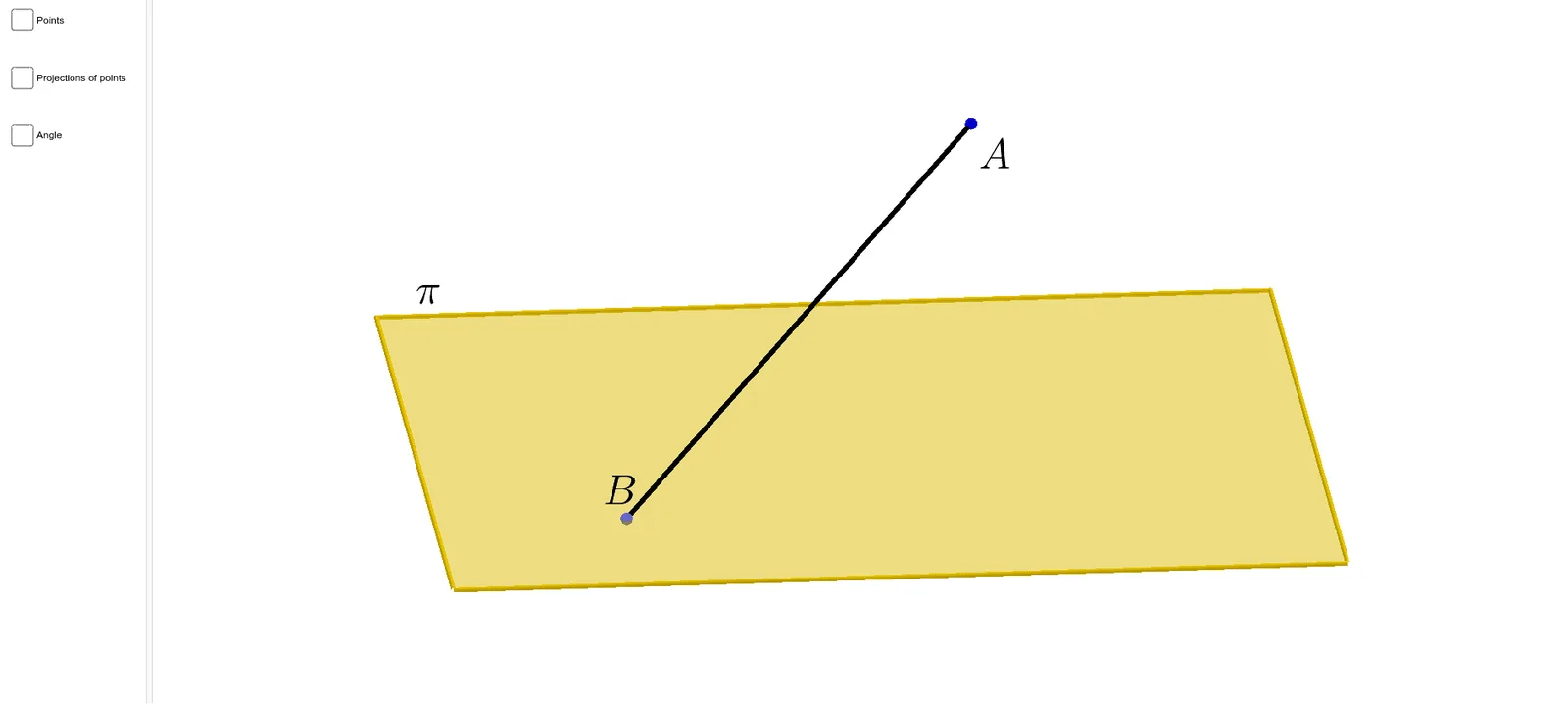
This example demonstrates how to calculate the angle between a line segment and a plane. Key mathematical concepts include angle calculation in coordinate geometry. Using GeoGebra commands such as Polygon, OrthogonalLine, and Intersect, one can construct a line segment and a plane, and then calculate the angle between them. Suitable for high school mathematics education and learning.
GeoGebra Commands & Parameters
Polygon(A, B, C, D) → poly1, a, b, c, dOrthogonalLine(E, xOyPlane) → fIntersect(f, poly1) → FSegment(F, E) → lSegment(A, C) → mCircle(A, 1, l) → pIntersect(m, p, 1) → GPointIn(poly1) → HSegment(H, E) → gSegment(H, F) → hMidpoint(H, E) → IMidpoint(E, I) → JMidpoint(I, H) → KOrthogonalLine(J, poly1) → iOrthogonalLine(I, poly1) → jOrthogonalLine(K, poly1) → kIntersect(h, k) → LIntersect(h, j) → MIntersect(h, i) → NAngle(H, L, K) → αAngle(L, M, I) → βAngle(M, N, J) → γAngle(N, F, E) → δSegment(J, N) → nSegment(I, M) → qSegment(K, L) → rAngle(F, H, E) → ε
AI Drawing Prompt Reference
Draw a quadrilateral and three planes, with one line segment perpendicular to a plane. The segment intersects the quadrilateral at a point, from which a circle is drawn centered at this point, intersecting another side of the quadrilateral. Connect this intersection point to the perpendicular line from the segment to the plane. Then, draw perpendiculars from the midpoints of the diagonals to the quadrilateral, and measure and label the angles between the segment and the plane, the circle and the quadrilateral, and the perpendiculars and the plane.
The prompt above was compiled from the original drawing commands and is for reference only.