
Algebra Tiles Templates: Visualize Algebraic Equations with Blocks
Loading the math board and drawing, please wait…
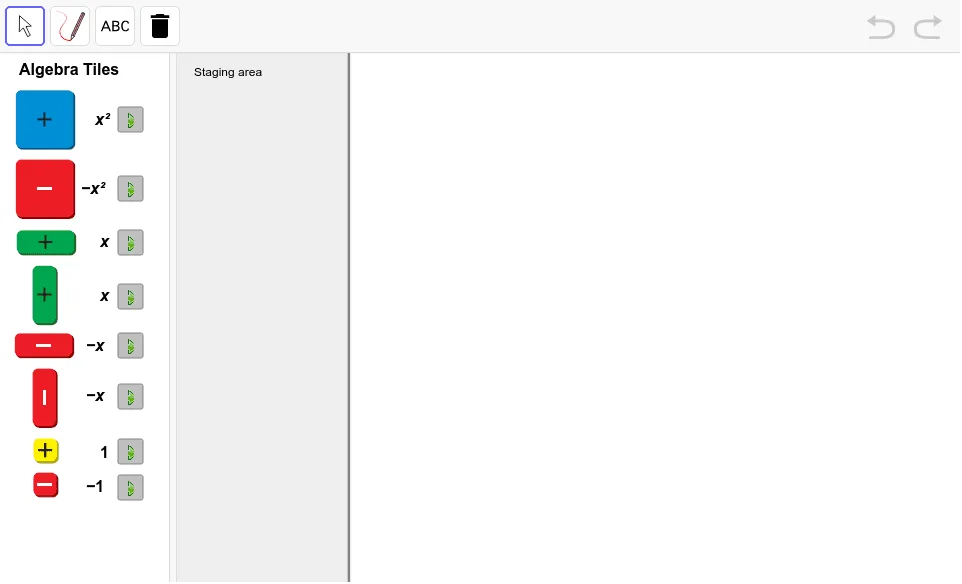
This example provides Algebra Tiles templates to visually demonstrate how algebraic expressions and equations can be modeled using physical-like blocks—showing how combining, rearranging, or splitting tiles supports understanding of simplification and equivalent transformations. It focuses on key ideas such as representing algebraic structure, preserving equality through equivalent operations, and interpreting variables and constants via the quantities or “areas” suggested by the tile types. From the construction summary, the build uses GeoGebra command OrthogonalLine to set up orthogonal reference geometry (e.g., coordinate/grid-like guides) and relies on organizing template elements such as buttons, figures/images (pic*), and text labels (text*) to control the lesson flow and annotate the diagram. Coordinate-related setup objects (e.g., xmax and variable/point objects like A, e, f) help align the tiles with the intended mathematical interpretation. Suitable for late primary to middle-school learners, classroom instruction, and math visualization practice.
GeoGebra Commands & Parameters
OrthogonalLine(A, xAxis) → e
AI Drawing Prompt Reference
Create an educational template-style algebra-tile diagram on a plane: first draw a horizontal coordinate axis as a reference line, then construct a line through a specified point that is perpendicular to this axis to form an orthogonal, grid-like alignment guide. Keep space within the same scene for instructional annotations such as text labels and image/button-like template elements so the layout can support demonstrating how combining, rearranging, or splitting tiles helps interpret algebraic structure, preserve equality via equivalent operations, and understand variables and constants in terms of the tiles’ suggested “areas” or quantities.
The prompt above was compiled from the original drawing commands and is for reference only.