
Addition up to 5 via Random Geometry Construction
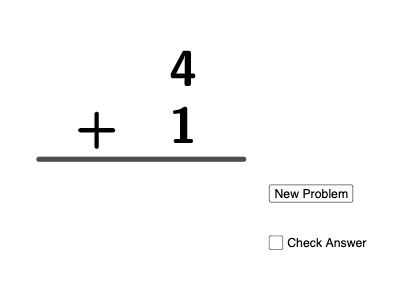
Loading the math board and drawing, please wait…
This GeoGebra example demonstrates how addition (and the corresponding differences) up to 5 can be presented through a dynamically generated geometric setup. By randomly creating segments and associated numeric quantities, the applet links algebraic operations to on-screen geometric elements and text labels, making it easier to visually track how results change under different random choices. The key mathematical ideas are basic algebraic addition and subtraction (e.g., forming sum and diff), the representation of numeric relationships using constructed geometry, and an exploratory mindset aligned with probability/expected-value thinking (even if no full expectation is computed here). Construction highlights: it uses Random to generate data, Segment to create the underlying geometric components (objects such as a and b), defines algebraic objects like sum and diff, and employs multiple text objects (text1–text6) to annotate intermediate and final results; a button (button1) drives updates/re-randomization, while auxiliary objects (e.g., f, c, d) support the mapping between the geometry and the computed values. Suitable for middle-school classrooms, guided discovery activities, and introductory math exploration connecting algebra with geometric visualization.
GeoGebra Commands & Parameters
Random(1, 5) → aRandom(1, 5) → bSegment((0, 0), (8, 0)) → fRandom(0, 1) → c
AI Drawing Prompt Reference
Draw a number line from the origin to 8. Randomly generate two numbers a and b between 1 and 5, and represent them with line segments. Then, generate a number c between 0 and 1 to show the relationship between a and b, such as a+b or a-b, and label these values and relationships on the number line.
The prompt above was compiled from the original drawing commands and is for reference only.