
3D Vectors Demo
Loading the math board and drawing, please wait…
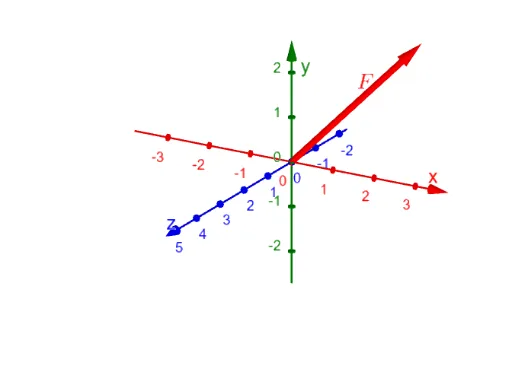
This example demonstrates vector operations, representation, and their relation to geometric shapes in 3D space. Key math concepts include vector addition, magnitude, coordinate systems, parametric curves, and solid geometry. Construction involves commands like ConstructionStep, CircumcircleSector, Polygon, and Vector to build vectors, polygons, and loci. Suitable for high school and university students studying 3D vectors and geometry, or foundational physics courses.
GeoGebra Commands & Parameters
ConstructionStep() → ncCircumcircleSector(T1, T2, T3) → cCircumcircleSector(H1, H2, H3) → dPolygon(A, D, C, B) → q1, a, d_1, c_1, bVector(D) → fhPolygon(A, G, H, E) → q2, f, g, h, iVector(G, D) → fzVector(D, C) → fy1
AI Drawing Prompt Reference
Draw a 3D space vector and geometric figure. First, create three vectors, then use these vectors to construct a quadrilateral. Next, draw vectors using the starting and ending points of the vectors. Finally, use these vectors and points to construct a 3D space polygon, demonstrating the relationship between vector addition and geometric shapes.
The prompt above was compiled from the original drawing commands and is for reference only.