
Zero Pairs for Addition and Subtraction
Loading the math board and drawing, please wait…
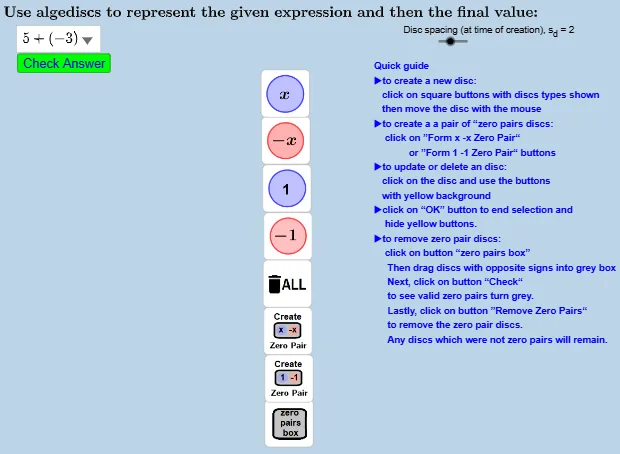
This example uses the zero pairs model to help beginners understand addition and subtraction of numbers and variables. It employs GeoGebra commands such as Polygon and Translate, allowing users to visually see the effects of addition and subtraction. Suitable for upper elementary and middle school students.
GeoGebra Commands & Parameters
UnicodeToLetter(34) → c34Polygon(A, B, C, D) → ZeroPairBox, a, b, c, dSequence("Execute(scrCre_" + (n) + ",CopyFreeObject(nextFreeNdx),%1)", n, 1, 6) → scrCre_{1to6}Translate(O_0, ((s_{d} * Mod[nextFreeNdx + 1, 2]), ((-s_{d}) * round(nextFreeNdx / 2, 0)))) → OSelectedIndex(listexpression) → answerindex
AI Drawing Prompt Reference
Create a visual model for demonstrating zero pairs in addition and subtraction. Start with a rectangular frame divided into sections by polygons, each representing a number or variable. Use sliders to adjust values, causing objects within the frame to translate in rows and columns, creating positive-negative pairings. Include an interactive slider and a selection list to switch between different operation scenarios, clearly showing how positives and negatives cancel out. The layout should be clean and intuitive for beginners to observe quantity changes.
The prompt above was compiled from the original drawing commands and is for reference only.