
Working With General Form: Poisson Distribution, Histograms, and Equation Graphs
Loading the math board and drawing, please wait…
In collections
COORDINATE GEOMETRY
This example demonstrates how to work with a “general form” in GeoGebra by linking modeled expressions to interactive geometry and visualization. It combines probability ideas—such as the Poisson distribution—with histogram-style frequency distribution visualization, and it also incorporates equation/function behavior (including sine-related components) to show how analytic formulas correspond to graphical structures. Key mathematical concepts include general-form equation modeling, probability & statistics via Poisson distribution, frequency distributions/ histograms, and graphical representations of functions and equations. Construction-wise, it uses GeoGebra commands such as Random to generate distribution-related data, Textfield/InputBox objects to parameterize inputs, and geometric primitives like Point, Line, Circle, and Intersect to build the underlying structure. FractionText is used to present values in fractional form, and LCM supports discrete computations such as scaling or aligning frequency/interval-related elements. It is well-suited for advanced middle school through early university levels, especially for lessons on probability & statistics, function graphing, and mathematical modeling with interactive tools.
GeoGebra Commands & Parameters
Random(-6, 6) → aRandom(-6, 6) → bLCM(a, b) → cRandom(1, 4) → kLine(A, B) → gTextfield(h) → InputBox1Textfield(j) → InputBox2Textfield(m) → InputBox3Point(f) → CCircle(C, 2) → pIntersect(p, f, 2) → DFractionText(h) → text6
AI Drawing Prompt Reference
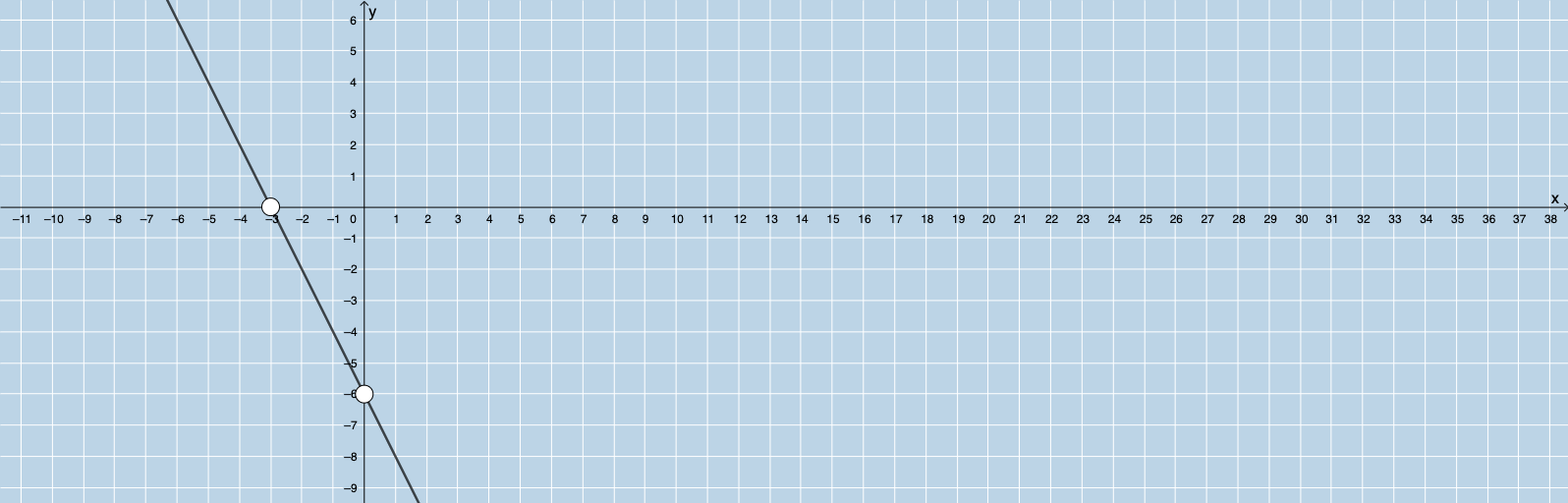
Create a graph showing the Poisson distribution and histograms. First, generate random numbers to simulate distribution data. Then, draw histograms to display frequency distributions. The graph includes a point, a circle, and their intersection points to show geometric relationships. Finally, display values in fractional form to make the graph clearer.
The prompt above was compiled from the original drawing commands and is for reference only.