
Who is Mr. Rhombus?
Loading the math board and drawing, please wait…
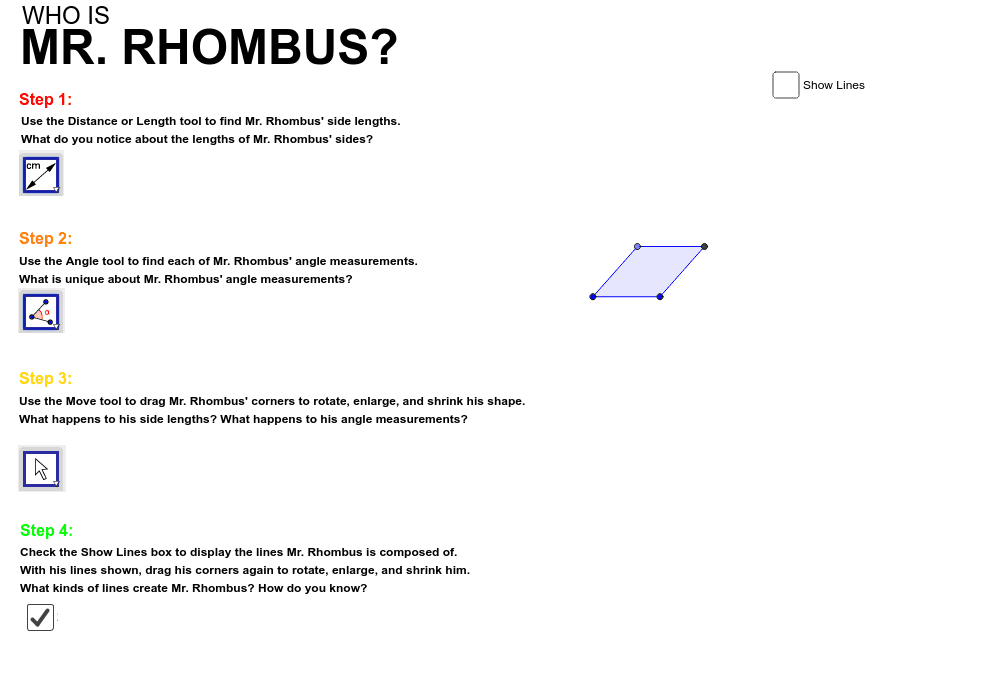
This example demonstrates the geometric properties of a rhombus and its dynamic relationships with related shapes. Core math concepts include the definition of a rhombus, side-angle relationships, circles, polygons, angle calculations, and derivatives. Construction highlights from GeoGebra commands: Line, OrthogonalLine, Point, Circle, Intersect, Polygon. Suitable for high school mathematics teaching to visually understand the connection between the rhombus and other geometric elements and dynamic changes.
GeoGebra Commands & Parameters
Line(A_1, B) → aOrthogonalLine(A_1, a) → bOrthogonalLine(B, a) → cPoint(b) → CPoint(c) → DOrthogonalLine(C, b) → dLine(A, M) → eCircle(A, M) → fPoint(f) → PCircle(P, A) → gCircle(M, A) → hIntersect(g, h, 2) → QLine(P, A) → iLine(Q, M) → jLine(P, Q) → kPolygon(A, P, Q, M) → poly1, a_1, p, q, m
AI Drawing Prompt Reference
Draw a rhombus and show its dynamic relationships. Start by drawing two line segments and their perpendiculars to form one angle of the rhombus. Then, use the perpendiculars and line segments to construct the other two vertices of the rhombus. Next, draw circles centered at the midpoint and a vertex, find their intersections, and connect these points to form the rhombus. Finally, add related shapes like angle bisectors, diagonals, and circles to illustrate the geometric properties and dynamic changes of the rhombus.
The prompt above was compiled from the original drawing commands and is for reference only.