
Wave Equation on a Half Line
Loading the math board and drawing, please wait…
In collections
UQ-Applied Mathematical Analysis
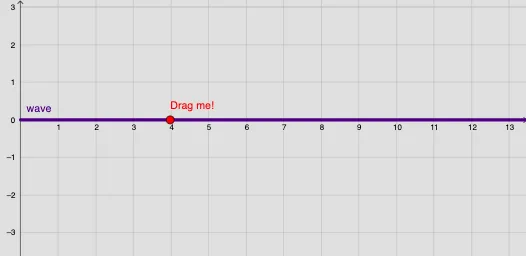
This GeoGebra example dynamically simulates the propagation of the wave equation on a half-line (x ≥ 0), visually demonstrating wave reflection at the boundary and superposition of left- and right-moving waves. Core mathematical concepts include partial differential equations, the one-dimensional wave equation, traveling wave solutions, boundary conditions (fixed or free end), and d'Alembert's formula. Construction highlights: sliders (a, t, speed) control time and wave speed; function objects (Functions, f0, f, g0, g) define initial displacement and velocity; the Integral command computes the integral term in d'Alembert's solution; Segment draws boundary or reference lines; objects u1 and u2 represent the two wave components, while b1 and b2 handle boundary interactions; a button (button1) resets or plays the animation; SelectedIndex and Element allow switching among multiple initial condition sets. This resource is ideal for university-level mathematical physics courses or advanced high school physics, helping learners grasp wave propagation, reflection, and solving initial-boundary value problems on semi-infinite domains.
GeoGebra Commands & Parameters
SelectedIndex(Names) → indexElement(Functions, index) → f0Integral(g0) → intgSegment((x(A) - 1, 0), (x(A) - 1, y(A))) → b1Segment((x(A) + 1, 0), (x(A) + 1, y(A))) → b2
AI Drawing Prompt Reference
Draw a dynamic simulation of the wave equation on a half-line. Create initial displacement function f0 and initial velocity function g0. Use the integral command to compute the integral term in d'Alembert's solution. Draw two vertical lines b1 and b2 as boundary lines. Control time and wave speed with sliders to dynamically show wave propagation, reflection, and superposition.
The prompt above was compiled from the original drawing commands and is for reference only.