
Volume of Revolution using Surface - GeoGebra 5 Beta
Loading the math board and drawing, please wait…
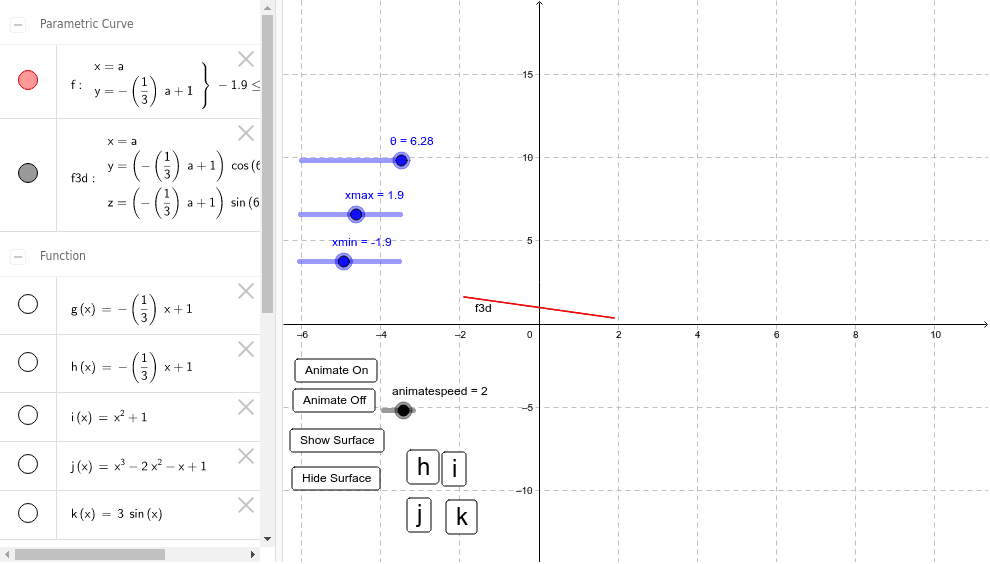
This example demonstrates how to use the Surface[] command in GeoGebra to create a volume of revolution as the angle varies from 0 to 2π. It involves core math concepts like volume of revolution, integration, and parametric equations. Key GeoGebra commands and objects used include CurveCartesian, Surface, Slider Animation, and animateSpeed. Suitable for high school students and above to learn and visualize the calculation of volumes of revolution in calculus, as well as for educational purposes.
GeoGebra Commands & Parameters
CurveCartesian(a, (g(a) * cos(θ)), (g(a) * sin(θ)), a, xmin, xmax) → f3dSurface(a, (g(a) * cos(b)), (g(a) * sin(b)), a, xmin, xmax, b, 0, θ) → aCurveCartesian(a, g(a), a, xmin, xmax) → f
AI Drawing Prompt Reference
Draw a solid of revolution around the y-axis, where y=g(x) is a given function with x ranging from xmin to xmax. First, plot the parametric curve f representing the projection of y=g(x) on the x-axis. Then use the Surface command with f as the base and θ as the rotation angle from 0 to 2π to generate the rotating solid.
The prompt above was compiled from the original drawing commands and is for reference only.