
Volume of Revolution Demo
Loading the math board and drawing, please wait…
In collections
Volume of Revolution
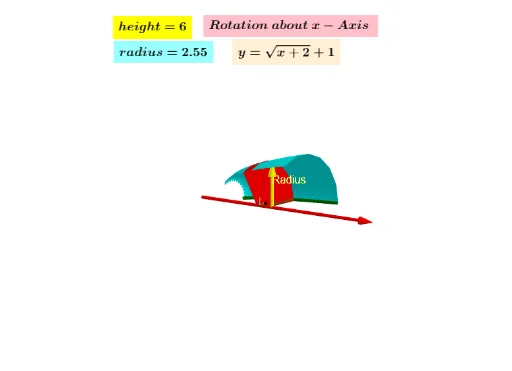
This example demonstrates the process of generating a three-dimensional solid of revolution by rotating a two-dimensional shape, visually illustrating the principles of volume calculation. Core mathematical concepts include integral calculus, volume formulas for solids of revolution, and function graph transformations. Construction highlights utilize GeoGebra commands and objects like Surface, Vector, LowerSum, Polygon, Textfield, Rotate, Segment to simulate integral processes through rotation and segment summation. Suitable for high school students and educators to understand integral applications, solid geometry, and function-image relationships, or as a teaching tool for calculus demonstrations.
GeoGebra Commands & Parameters
Surface(g, Spin, xAxis) → cVector(A, B) → uLowerSum(g, a, b, 5) → dPolygon(E, F, D, C) → q1, e, f_1, d_1, c_1Surface(q1, Spin, xAxis) → hTextfield(f) → InputBox1Rotate(u, (-(90°)), eq1) → u'Rotate(E, 90, D) → E'Rotate(F, 90, D) → F'Rotate(D, 90, D) → D'Rotate(C, 90, D) → C'Segment(G, H) → lRotate(G, 270) → G'Rotate(H, 270) → H'Rotate(G, 90°, xAxis) → G'_1Rotate(H, 90°, xAxis) → H'_1Segment(G'_1, H'_1) → l'Vector(G'_1, H'_1) → v
AI Drawing Prompt Reference
Create a volume of revolution demonstration. Start by drawing a 2D shape, then rotate it around the x-axis to form a 3D solid. Use the LowerSum function to calculate the area and simulate the integration process through rotation and segment summation. Draw the rotated shape, including rotated segments and vectors, to illustrate the formation of the solid.
The prompt above was compiled from the original drawing commands and is for reference only.