
Visualizing Subtraction and Multiplication with Negative Numbers
Loading the math board and drawing, please wait…
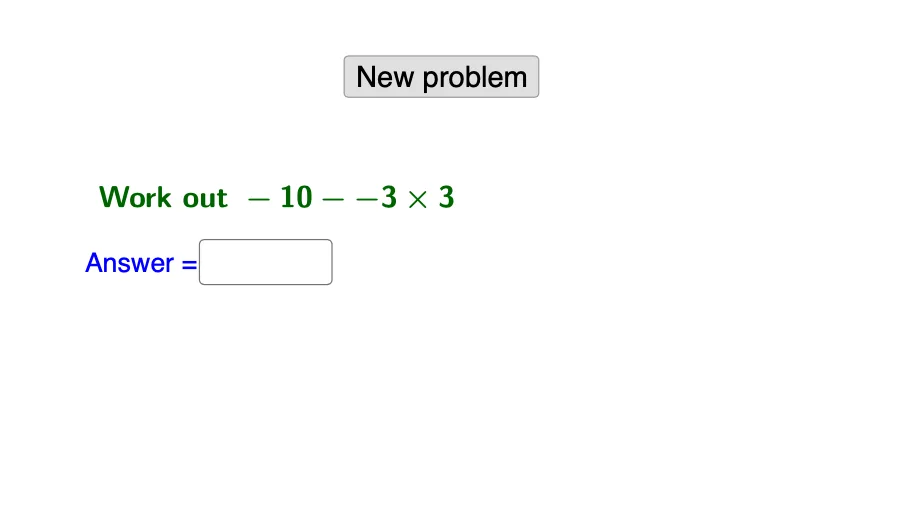
This GeoGebra example demonstrates how subtraction and multiplication work when negative numbers are involved, making the resulting sign and direction changes visually consistent. It focuses on core concepts such as rational numbers, rules of signed arithmetic, converting subtraction into addition of opposites (a − b = a + (−b)), and how multiplication affects signs (positive×negative = negative; negative×negative = positive). Construction and interaction are driven by GeoGebra commands and linked objects: Random is used to generate varying parameters; Textfield and InputBox1 (with a button like button1) enable user input or triggering updates; If statements control outcomes under different conditions (e.g., sign cases) and determine what is shown; objects such as e, a, b, d, g, s, c, f, h together with text1/text2 provide the numeric values and annotations that correspond to the displayed figures/lines. Suitable for middle and early high school learners, especially for introductory understanding, sign-rule rehearsal, and classroom demonstrations.
GeoGebra Commands & Parameters
Random(1, 99) → eRandom(-12, 12) → aRandom(-12, 12) → bRandom(-12, 12) → dTextfield(c) → InputBox1If(c ≟ s, "Correct!", "No. Try again.") → text2
AI Drawing Prompt Reference
Draw a number line and mark two points A and B to represent positive or negative integers a and b. Then draw a line segment AB to show the subtraction from a to b. Next, generate a random number d and mark it as point D, then draw a line segment AD to show the subtraction from a to d. Finally, based on the user's input in the text field, determine if it's correct and display the corresponding feedback below.
The prompt above was compiled from the original drawing commands and is for reference only.